4
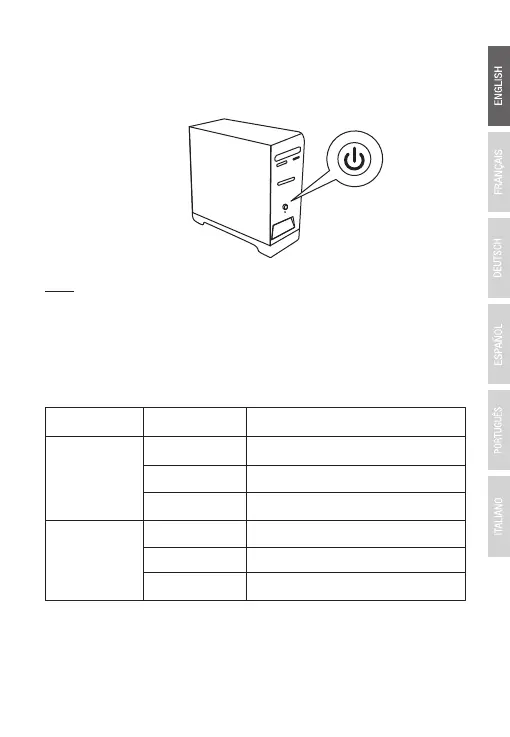
6. After securing the adapter with any needed screws, close your
computer's case and turn on your computer. The adapter will
automatically be detected.
Note: Additional operating system drivers can be found on the
installation CD or on the TRENDnet support site
http://www.trendnet.com/support and searching the product model
number TEG-10GECTX or TEG-10GECSFP.
LED Indicators
Definition
5Gbps / 2.5Gbps / 1Gbps
LED
Activity or data transmitting
No Link
LNK/ACT
Status
Amber
Flashing Green
OFF
SPEED
(TEG-10GECTX
only)
Green
Off
10Gbps
100Mbps
Link establishedSolid Green



 To Next Page