ENGLISH
2. How to Installation
2
1. Go to
http://www.trendnet.com/download.
From the Select Product dropdown
list, scroll down until you see TEG-
ECTX or TEG-ECSX. Then click
Go. Select the hardware version of
your TEG-ECTX/TEG-ECSX, click
the Windows 7 driver link and save
the drivers to your computer.
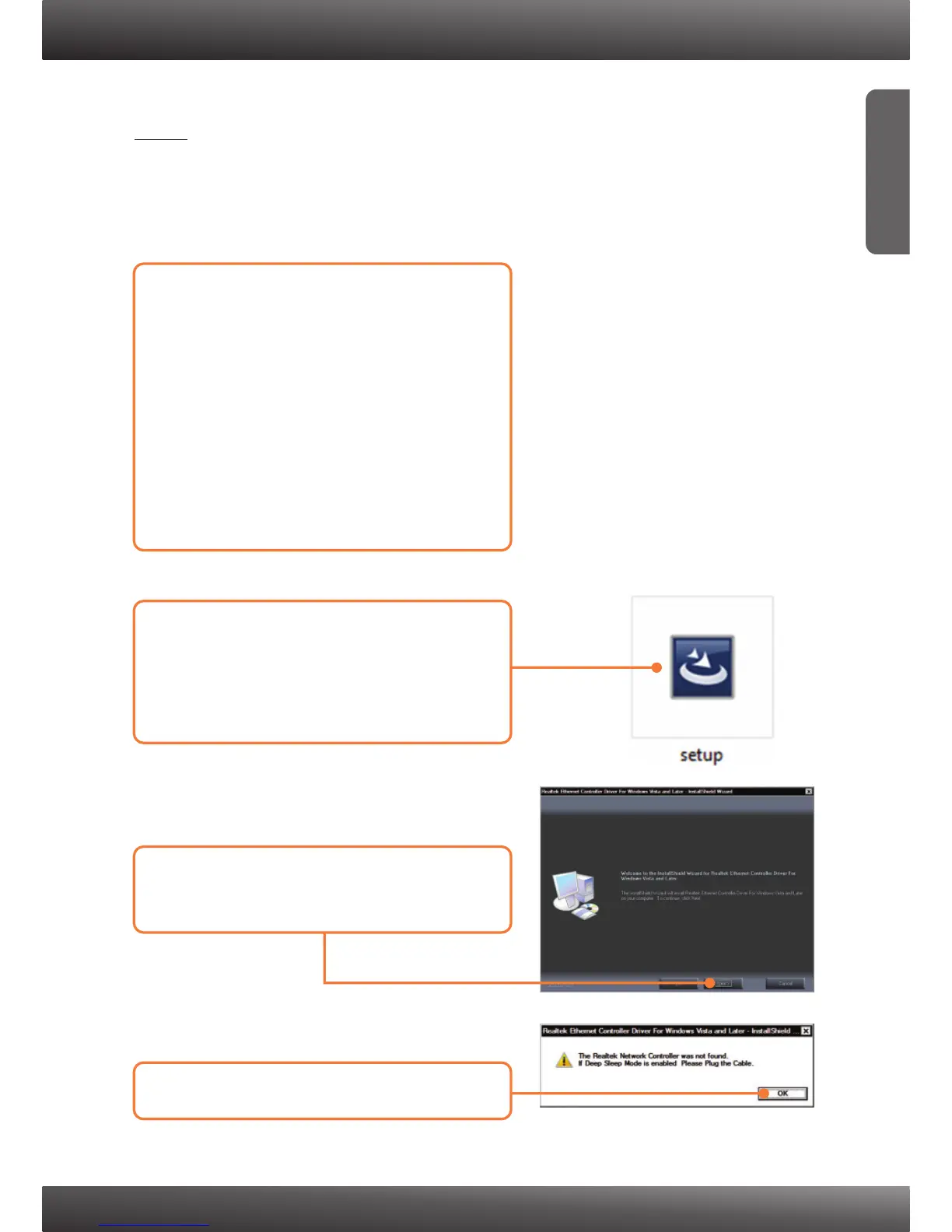
3. Click Next. Then follow the
InstallShield Wizard instructions.
2. Browse the Windows 7 drivers
folder until you see the Setup.exe
icon. Double click on the
setup.exe icon.
Note:
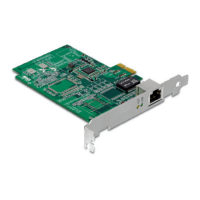
1. DO NOT install the TEG-ECTX/TEG-ECSX in the computer until
instructed to do so.
2. You will need to uncompress the drivers after you download it.
4. Click OK.


 To Next Page