ENGLISH
3
9. Drivers will install automatically.
7. Shutdown your computer and then
open your computer's case.
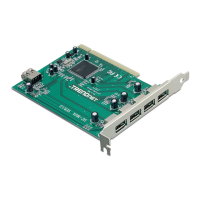
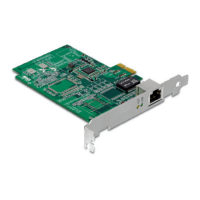
8. Insert the PCIE card firmly into an
available PCIe slot, and then turn
ON the computer and wait until the
Windows desktop appears.
5. Click Finish.
Your Installation is complete
Register Your Product
To ensure the highest level of customer service and support, please take a moment to
register your product Online at: www.trendnet.com/register
Thank you for choosing TRENDnet
For detailed information regarding the configuration and advanced
settings, please refer to the Troubleshooting section, User's Guide on the Utility CD-ROM, or
TRENDnet's website at http://www.trendnet.com.
TEG-ECTX/TEG-ECSX


 To Next Page