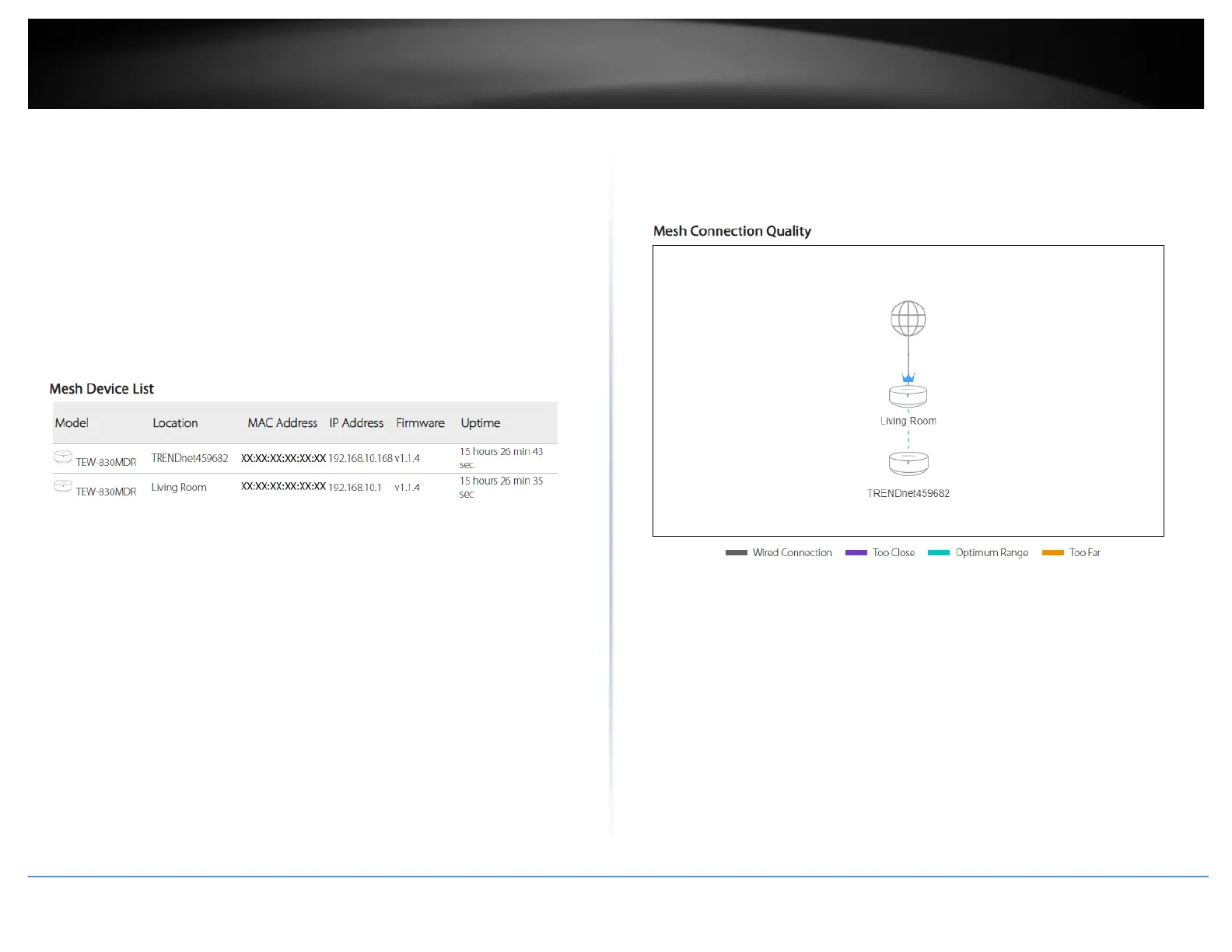
Mesh Device List
Displays a list of the current node/mesh devices connected to your wireless network
(The number of TEW-830MDR units connected to your wireless mesh network).
• Model: Displays the model number of the mesh node.
• Location: Displays the location name/description of each node. The location
name/description was set during initial setup and can be changed manually.
• MAC Address: Displays the MAC address of each node/mesh device.
• IP Address: Displays the current IP address of each node/mesh device.
• Firmware: Displays the current firmware version of each node/mesh device.
• Uptime: Displays the current time each node/mesh device has been connected to
the wireless mesh network without interruption.
Mesh Connection Quality
The diagram displays the current network topology of your wireless network
nodes/mesh devices and the connection quality (color coded) between each node.















 To Next Page