© Copyright 2020 TRENDnet. All Rights Reserved.
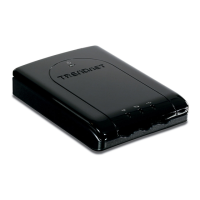
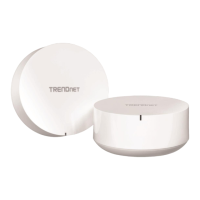
TEW-830MDR / TEW-830MDR2K
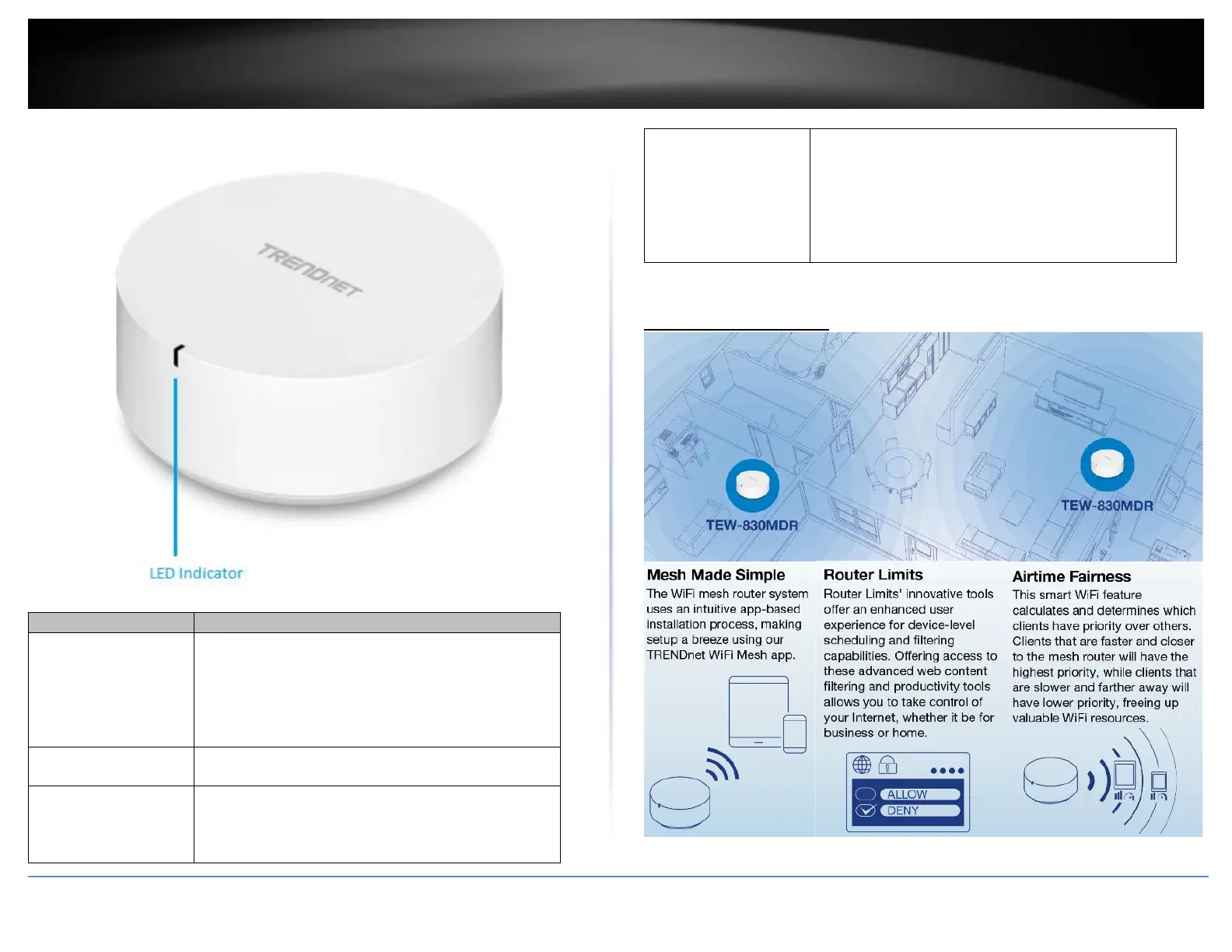
Blinking – Device is ready for initial setup.
Blinking Rapidly – Indicates WiFi connection was
successful during initial setup.
Note: The LED will change from white to orange after
device powers on when device is at factory default
settings.
Blinking – Device is applying configuration settings.
Solid – Device is operating normally.
Blinking – Devices are pairing to WiFi mesh network.
Note: Additional device LED may blink between orange
and blue during pairing process and red after pairing is
completed
Blinking – Issue detected (Mesh device disconnect, lost
Internet connection, etc.)
Blinking Rapidly – Device is resetting to factory
default.
Note: Using a paperclip, push and hold the reset button
for 10 seconds or more and release to initiate a reset to
factory defaults.


 To Next Page