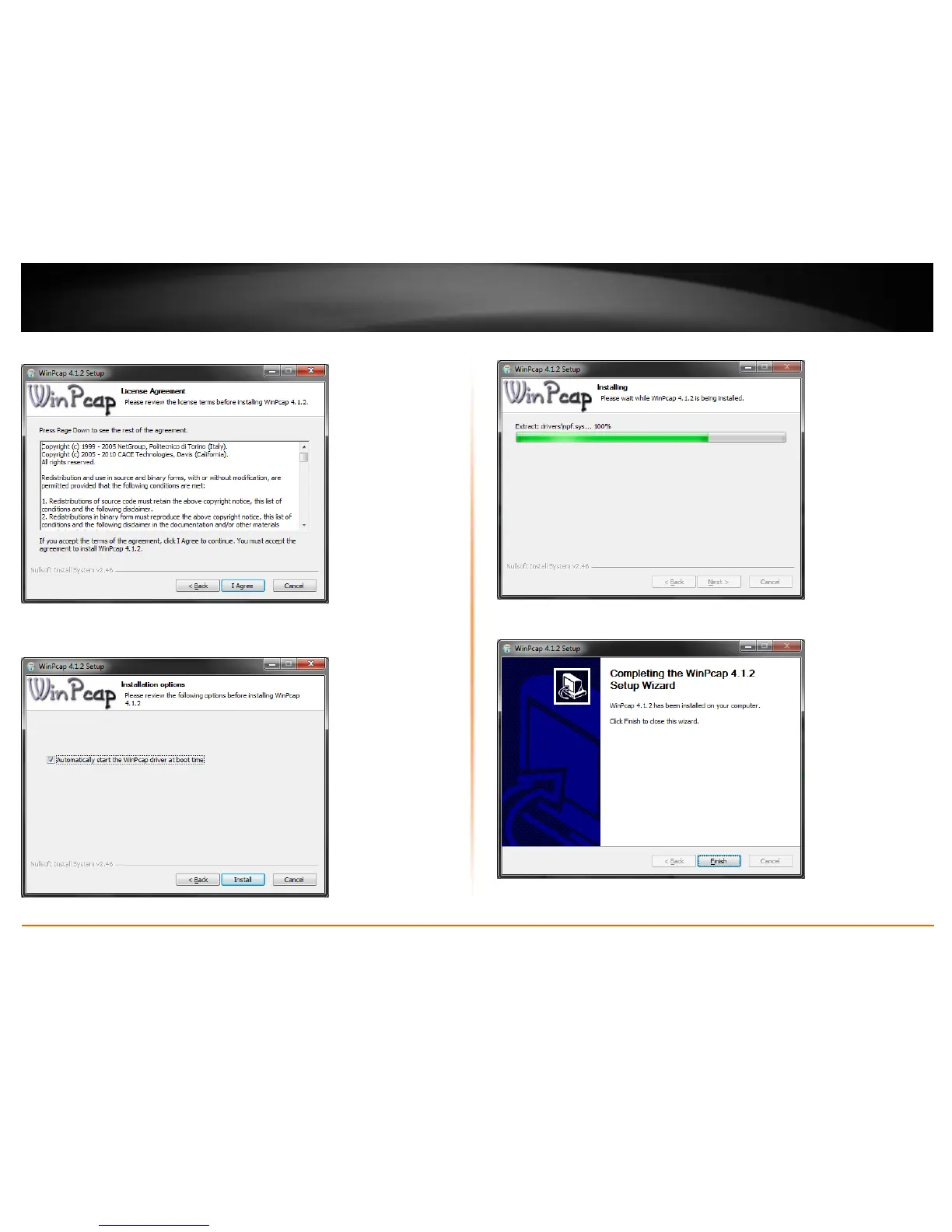
7. In the License Agreement window, click I Agree.
8. In the Install Options window, leave the option Automatically start the WinPcap
driver at boot time checked and click Install.
9. Wait for the WinPcap installation to complete.
10. After the process is completed, click Finish.












 To Next Page