EasyManua.ls Logo

TRENDnet TPL-306E - Page 14

TRENDnet TPL-306E
30 pages
Print Icon
To Next Page IconTo Next Page
To Previous Page IconTo Previous Page
Loading...
© Copyright 2012 TRENDnet. All Rights Reserved.
12
TRENDnet User’s Guide
TPL-306E / TPL-306E2K
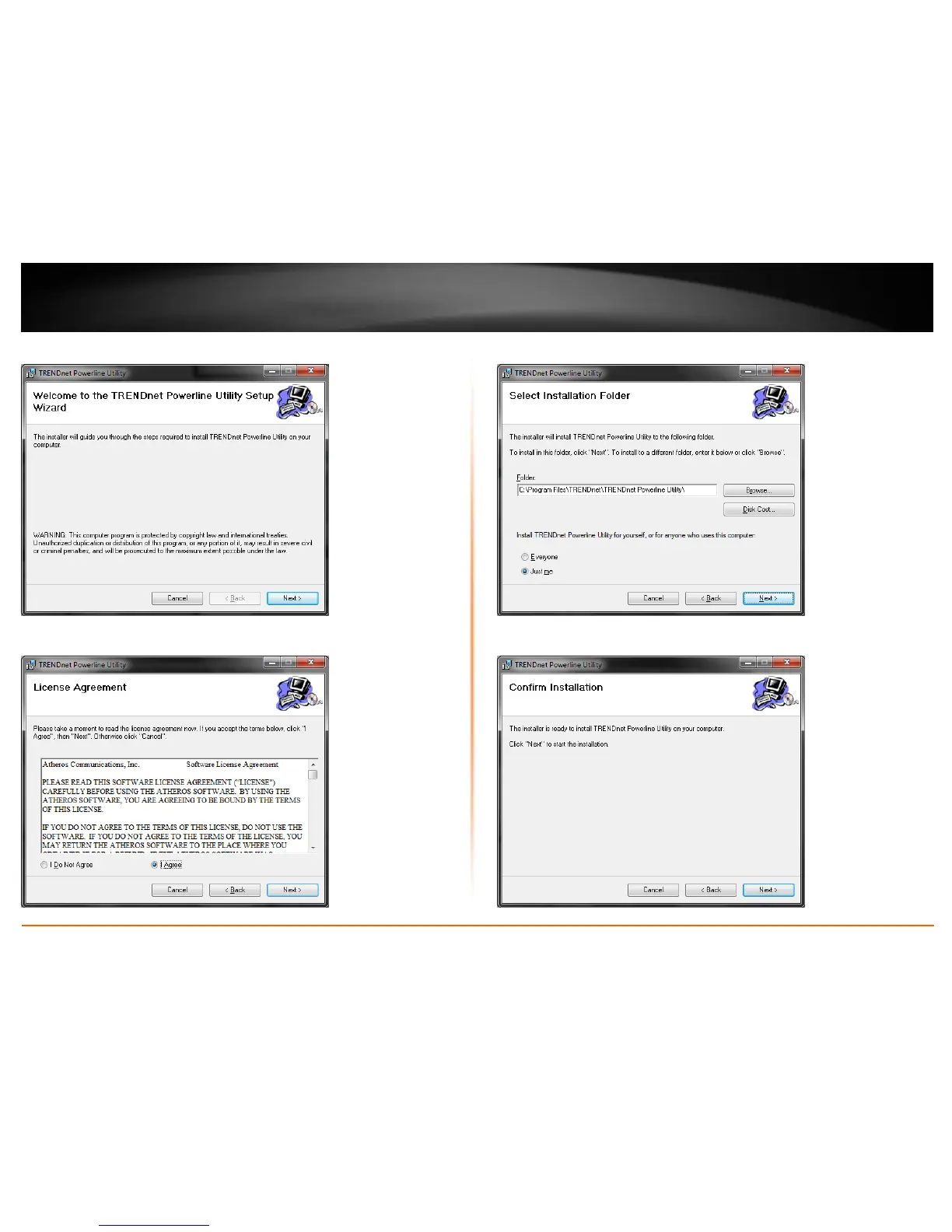
11. At the Powerline Configuration Utility installation window, click Next.
12. In the License Agreement window, check the radio button I Agree, and click Next.
13. In the Select Installation Folder window, click Next.
14. In the Confirm Installation window, click Next.


Related product manuals