EasyManua.ls Logo

TRENDnet TPL-306E - Page 19

TRENDnet TPL-306E
30 pages
Print Icon
To Next Page IconTo Next Page
To Previous Page IconTo Previous Page
Loading...
© Copyright 2012 TRENDnet. All Rights Reserved.
17
TRENDnet User’s Guide
TPL-306E / TPL-306E2K
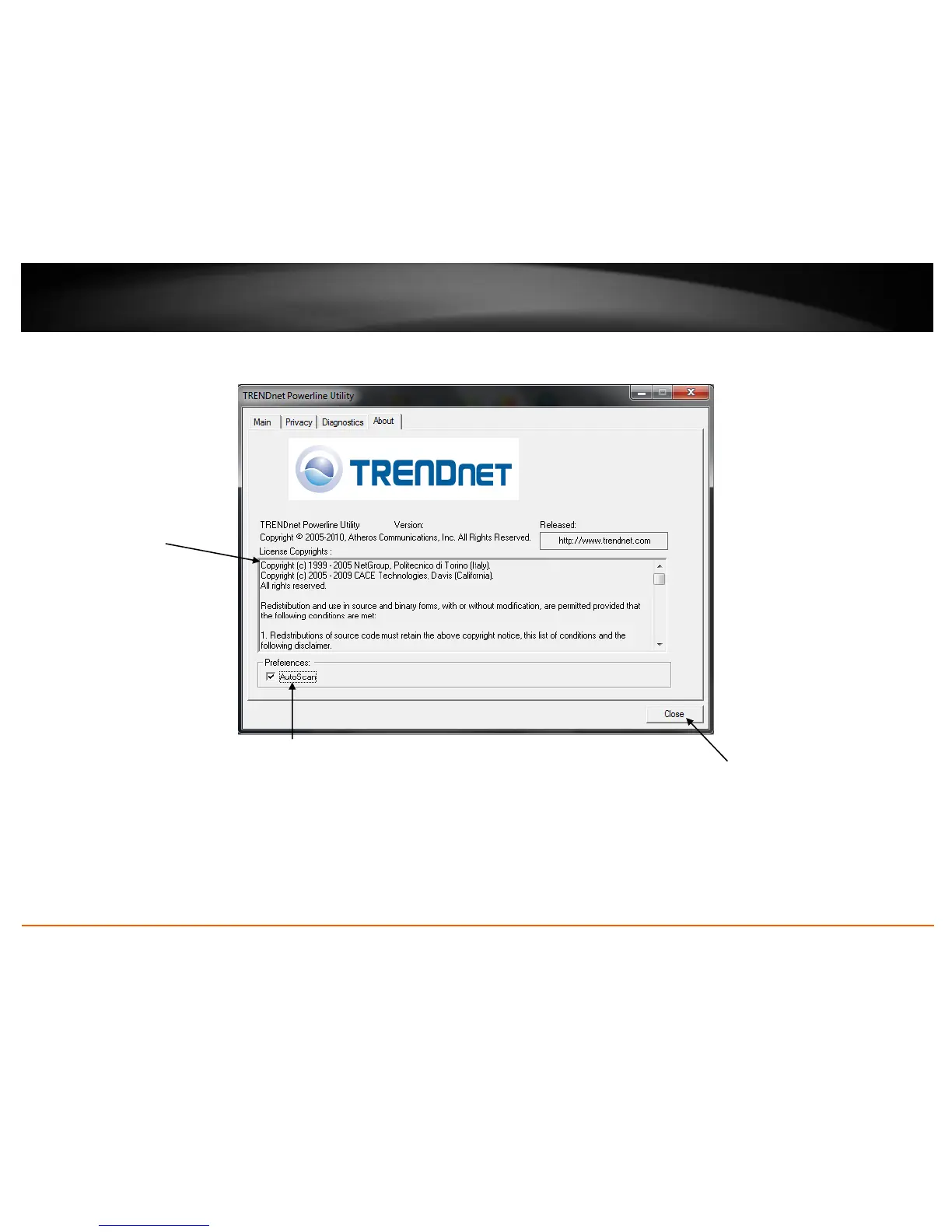
Powerline Utility Overview
About Window
System Information
Displays copyright
information.
You can vertically scroll
the window to view all of
the copyright information.
Close
Closes and exits
the Powerline
Utility
application
AutoScan
Enables or disables the autoscan
feature for automatically discovering
Powerline adapter or devices (Remote
Device) connected to your Powerline
network.
Note: It is recommended to keep this
option checked (Enabled).


Related product manuals