© Copyright 2012 TRENDnet. All Rights Reserved.
12
TRENDnet User’s Guide
TPL-308E / TPL-308E2K
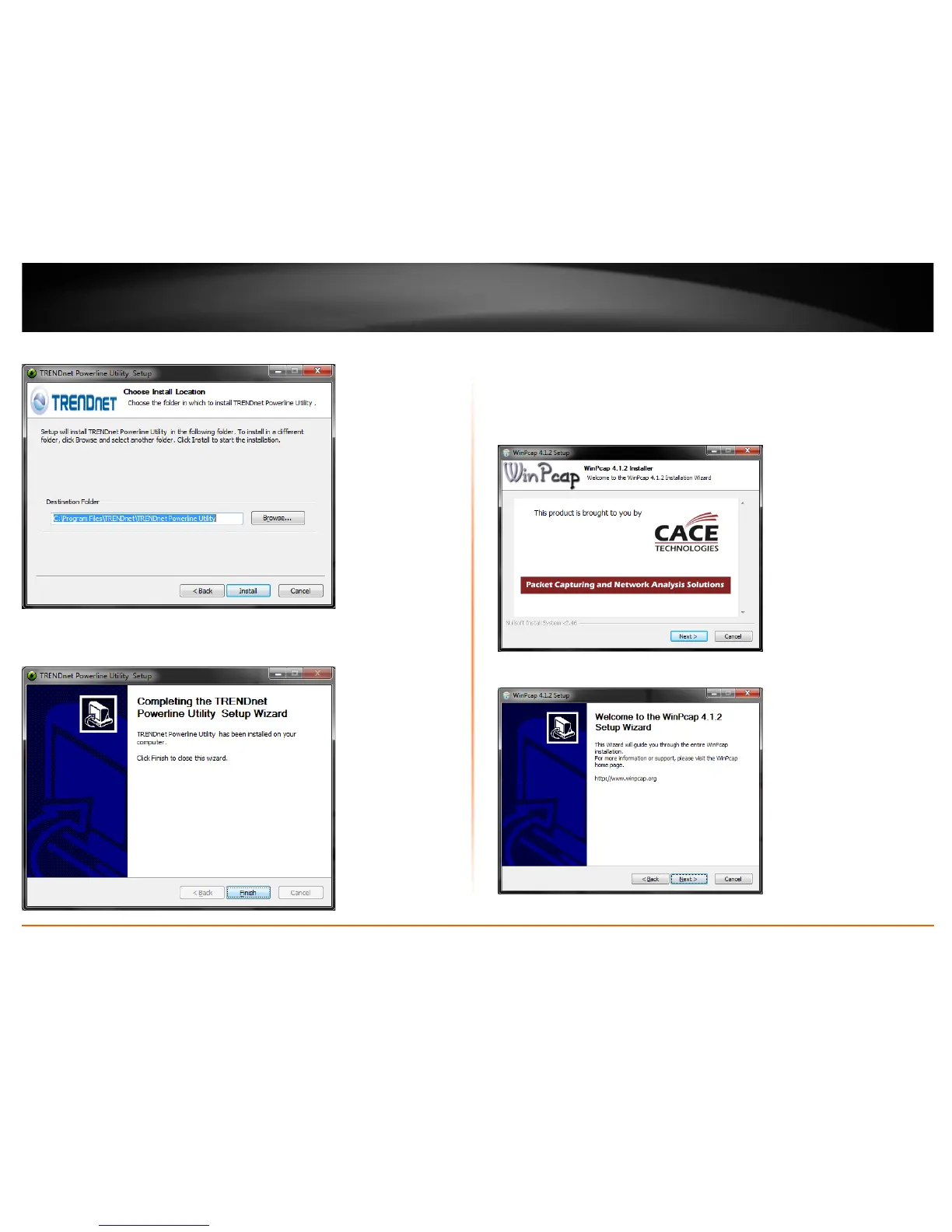
5. At the Install Location installation window, click Install.
6. In the Completion window, click Finish.
7.
At the WinPcap installer window, click Next.
Note: The Powerline Configuration Utility requires the use of the WinPcap application. If
you are prompted to install the WinPcap application, continue through the following
steps to complete the installation. Otherwise, if you are not prompted to install WinPcap,
reboot your computer to complete the installation.
8. In the Setup Wizard window, click Next.














 To Next Page