1. Before You Start
?
?A Desktop or Laptop PC with Network Adapter Installed
?Existing 10/100Mbps wired network when TPL-401E is used as a bridge device
®
?Additional 200Mbps HomePlug AV or IEEE 1901 compliant powerline adapter
(e.g. TRENDnet TPL-303E, TPL-304E, TPL-305E, TPL-310AP, or another
TPL-401E) (Note: This requirement is for the TPL-401E only. The TPL-401E2K
already includes two TPL-401E adapters)
CD-ROM drive
Note:
The configuration utility will allow you to add security to your powerline network by
providing you with the ability to change the default network name and create your
own personal network name for your powerline network. The utility can also help
you troubleshoot connectivity between powerline adapters by verifying the network
name. Please refer to the User's Guide on the TPL-401E/TPL-401E2K CD-ROM
for instructions on installing and using the utility.
Package Contents
?
?CD-ROM (Utility and User's Guide)
?Multi-Language Quick Installation Guide
?Cat.5 Ethernet Network Cable (1.5m/5ft)
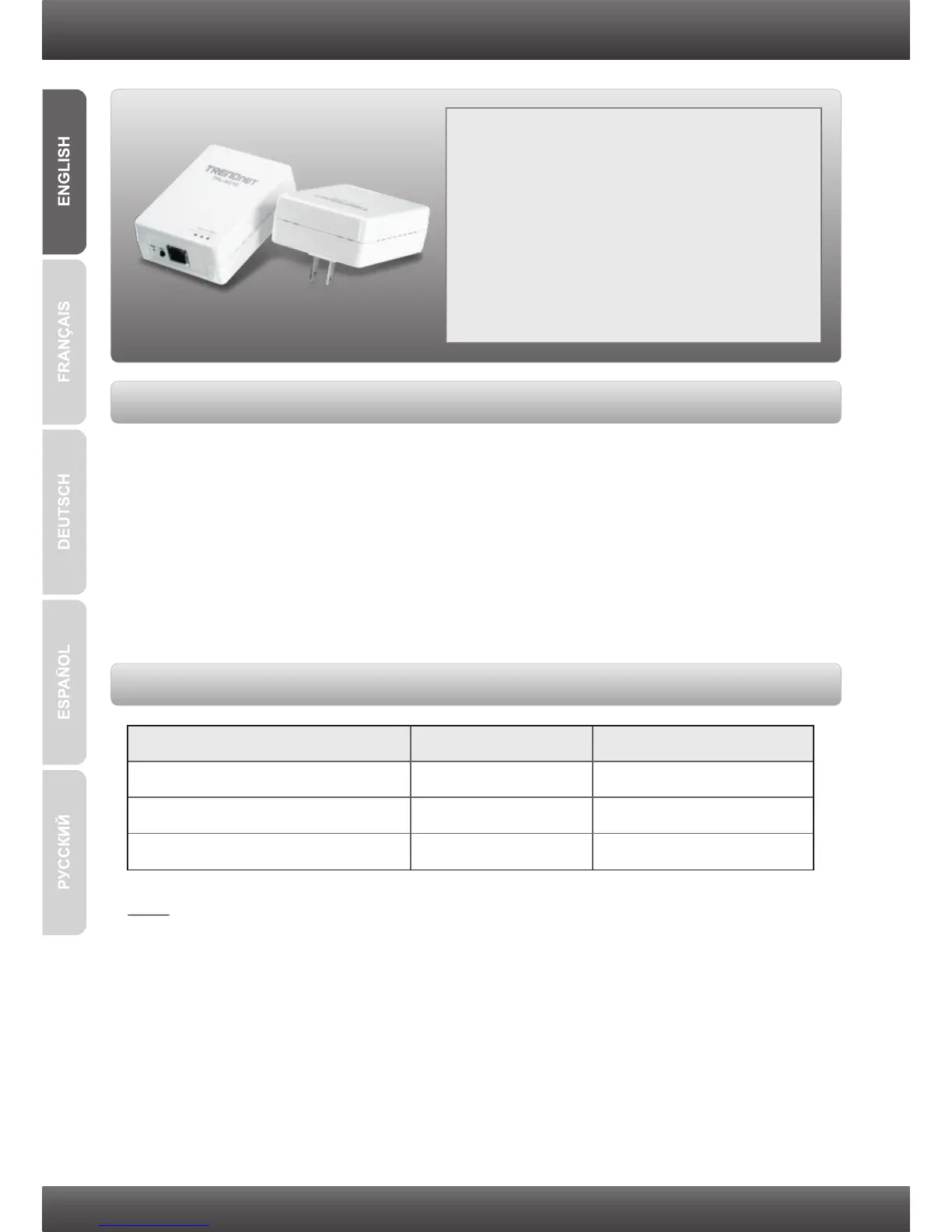
TPL-401E/TPL-401E2K
System Requirements
Software Utility Requirements
1













 To Next Page