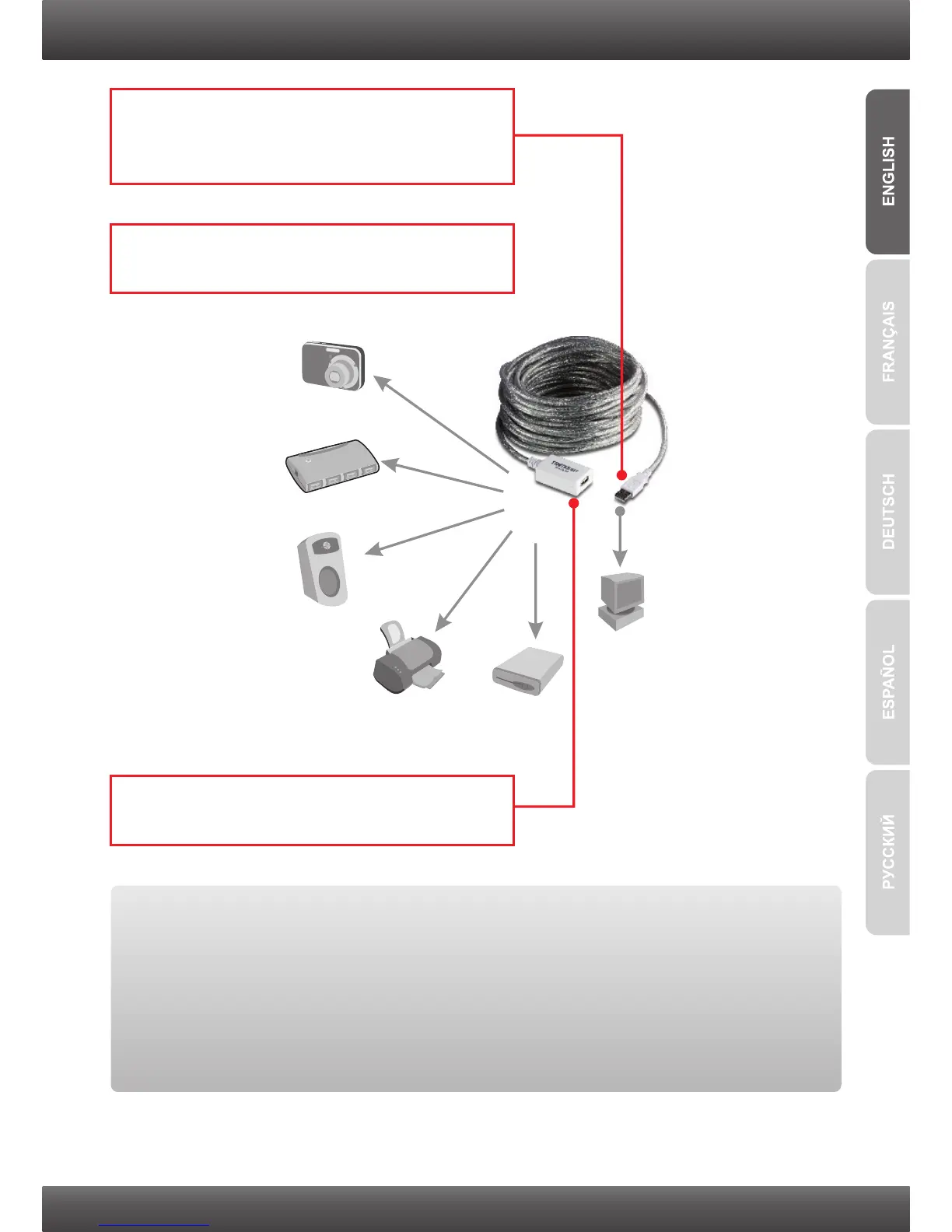
2. Hardware Installation
2. The computer will automatically detect and
install the drivers.
2
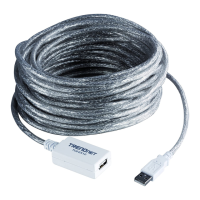
3. Plug a USB peripheral device into the USB
Type A Female Connector on the TU2-EX12.
USB Printer
USB Hub
USB Speaker
USB Drive
USB Camera
Workstation
1. Plug the USB Type A Male Connector on the
TU2-EX12 into an available USB port on your
computer.
Your installation is now complete
Register Your Product
To ensure the highest level of customer service and support, please take a moment to
register your product Online at: www.trendnet.com/register
Thank you for choosing TRENDnet


 To Next Page