IP 365
24
learning, press key for other studies;
5. Red indicating light ashes ve times rapidly along with learning failure and then return
to learning state
CONNECTIONS
Installation
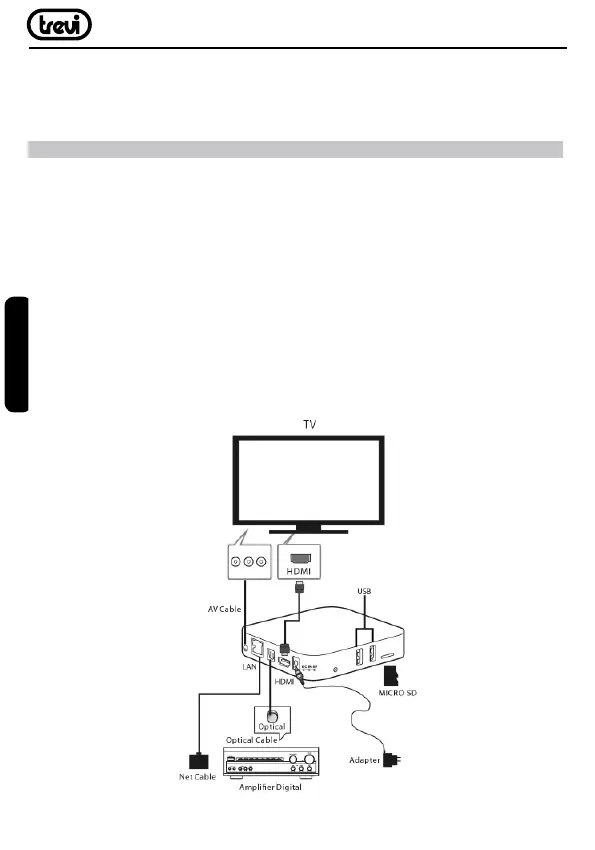
• To turn on the device, connect the supplied power adapter to the power of the IP 365
Power (27) and the other end to the wall outlet.
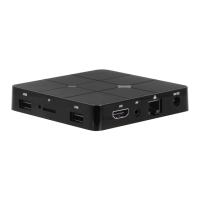
• Connect one end of the HDMI cable to ‘IP 365 via the socket (6), connect the other end
to the HDMI socket of your TV.
• Press the On/Standby (27) on the remote control; the indicator LED color Red (2) will
turn solid blue. Turn on the TV.
• Wait a few seconds for the device loads the operating system.
WARNING:
The unit is factory set with video output on HDMI, if you want to use the composite
AV output (cable not included), rst connect the unit to a TV via HDMI and then from the
menu “Settings”/“Display“/”Output mode“, select the video resolution to 480i or 576i.
ENGLISH



 To Next Page