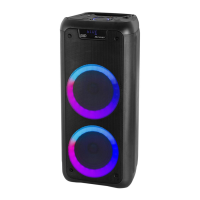
EasyManua.ls Logo

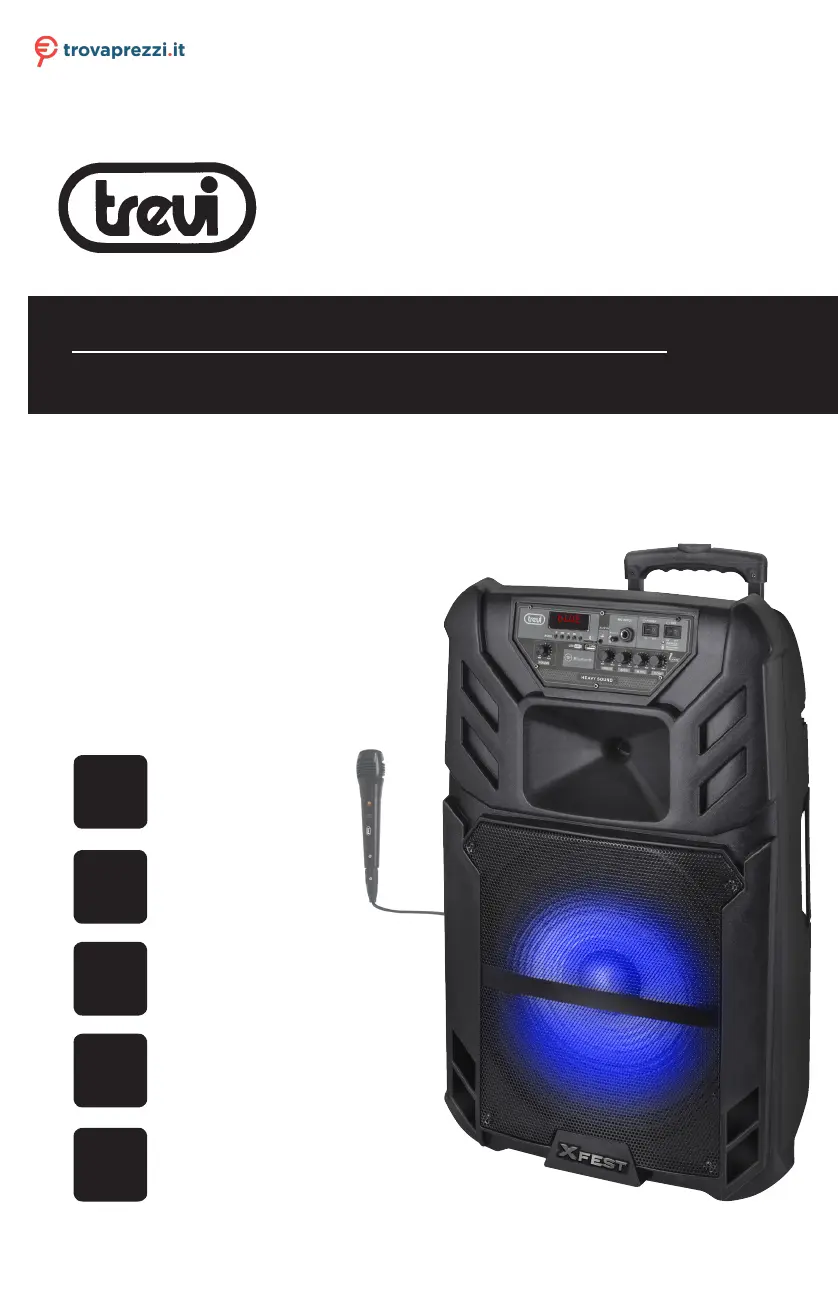
Trevi XF 1500 KB - User Manual

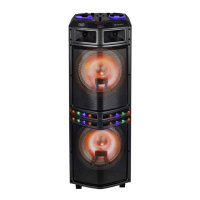
Trevi XF 1500 KB
36 pages
Go to English
Print Icon
To Next Page IconTo Next Page
Loading...
ALTOPARLANTE AMPLIFICATO ALTA POTENZA
Manuale d'uso e collegamento
HIGH POWER PORTABLE SPEAKER
Connection and Operation Manual
HAUT-PARLEUR PORTABLE AMPLIFIE
Mode d'emploi et branchement
BEWEGLICHER LAUTSPRECHER
Gebrauchs- und Anschlusshandbuch
ALTAVOZ AMPLIFICADO PORTATIL
Manual para el uso y la conexión
LED
DISPLAY
USB/
Micro SD
PLAYER
XF 1500 KB
Guida d’uso
User guide
DISCO
LIGHT
120 W
MAX
BT
BLUETOOTH
Per informazioni integrative ed aggiornamenti su questo prodotto visita www.trevi.it
For additional information and updates of this product see www.trevi.it
Questo manuale d’istruzione è fornito da trovaprezzi.it. Scopri tutte le offerte per Trevi XF1500KB o cerca il
tuo prodotto tra le migliori offerte di Personal Audio

Questions and Answers

  • A
    Anita DrakeAug 10, 2025
    Why is my Trevi Portable Speaker not charging or has a short battery life?
    • S
      Sean FloresAug 10, 2025
      If your Trevi Portable Speaker isn't charging or the battery life is short: 1. Make sure the power cord is properly connected. 2. Allow 6-8 hours for a full charge if the battery isn't fully charged. 3. If the battery life has ended, replace the old batteries with new ones of the same specification.
  • S
    Steve JonesAug 17, 2025
    How to fix no sound on Trevi Portable Speakers?
    • J
      Jeffrey BakerAug 17, 2025
      If your Trevi Portable Speaker has no sound when turned on: 1. Ensure an AUX signal is input. 2. Adjust the volume if the volume knob is at the lowest position. 3. Turn on the voice switch if it's off. 4. Plug in a USB/Micro SD card and play MP3 files if they are not plugged in.
  • L
    Laura WhitneyAug 23, 2025
    What to do if Trevi XF 1500 KB Portable Speakers sound distorted?
    • C
      Cassandra MurphyAug 23, 2025
      If you are experiencing distorted sound on your Trevi Portable Speaker: 1. Turn the volume down if it's too loud. 2. Check and change the audio file if there is an error.
  • R
    Robert HoffmanAug 29, 2025
    Why is the microphone not working on my Trevi XF 1500 KB Portable Speakers?
    • J
      James NguyenAug 29, 2025
      If there is no sound from the microphone on your Trevi Portable Speaker: 1. Ensure the microphone is correctly plugged into the socket. 2. Turn on the microphone switch if it is off. 3. Adjust the microphone volume as desired.
  • B
    Brian GarrisonSep 3, 2025
    What to do if there is no sound after inserting USB/Micro SD card into Trevi Portable Speakers?
    • A
      Amanda NelsonSep 3, 2025
      If your Trevi Portable Speaker produces no sound after inserting a USB/Micro SD Card: 1. Ensure the file format is MP3. 2. Plug the USB/Micro SD card correctly.

Trevi XF 1500 KB Specifications

General IconGeneral
Audio Output Channels2.0
Impedance4 Ohm
Connectivity technologyWired & Wireless
BluetoothYes
Bluetooth version5.0
USB portYes
USB connector typeUSB Type-A
Microphone inputYes
AUX inYes
Card reader integratedYes
Product colourBlack
Volume controlRotary
Power source typeBattery, USB
Battery voltage7.4 V
Product typePortable Speaker

Related product manuals