7
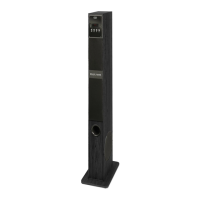
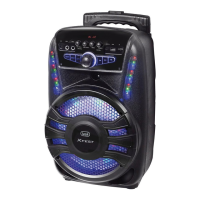
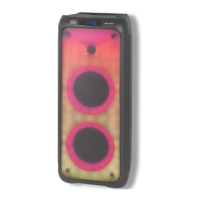
XT 101 BT
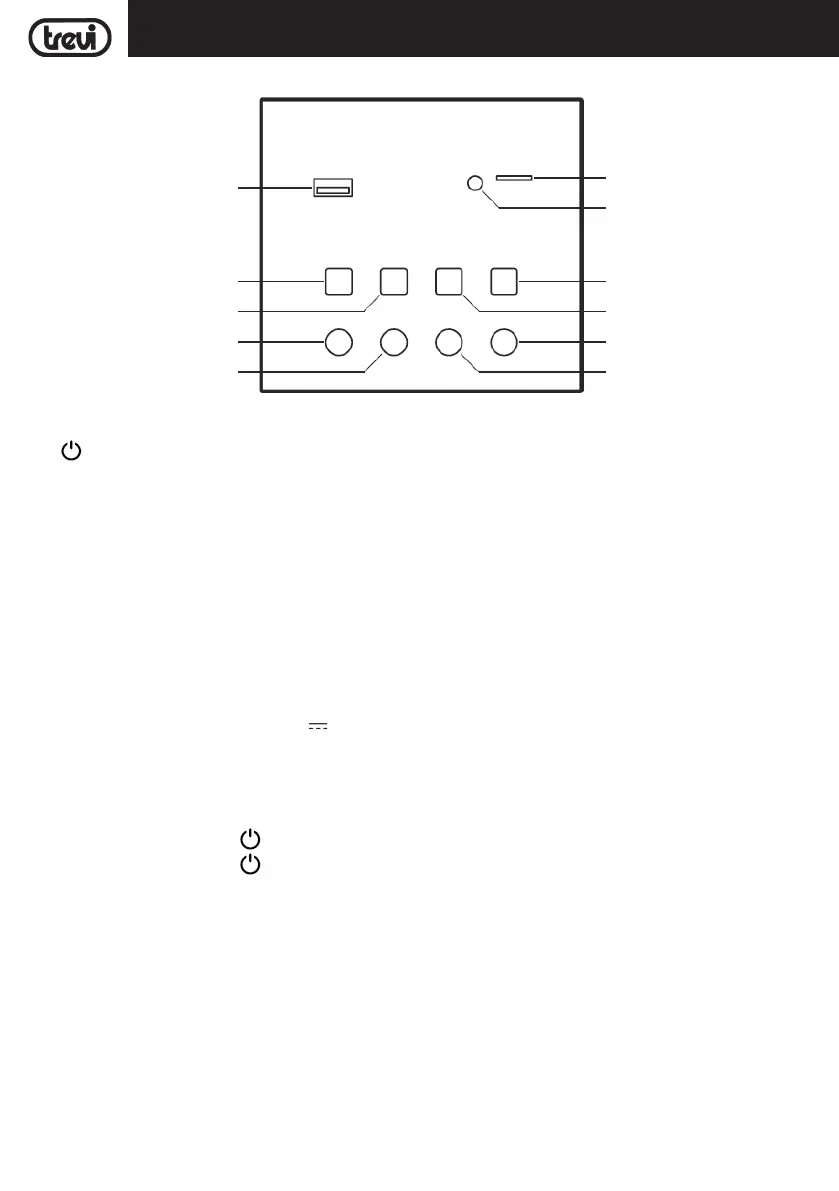
TOP PANEL DESCRIPTIONS
1. USB port playback or charging for mobile device.
2.
Power ON/OFF, click and hold to turn On/Off the unit.
3.
9 Skip to previous track.
4.
Play/Pause.
5. VOL - decrease Volume.
6. VOL+ increase Volume.
7. MODE switching.
8.
: Skip to next track.
9. Mood LIGHT.
10. AUX-IN jack.
11. Micro SD Card slot.
POWER SUPPLY
Connect the supplied adapter to the 18V socket in the back side of the appliance. Connect the supplied power
adapter to an electrical outlet.
BASIC FUNCTION
POWER ON/OFF
1. Press and hold the button
(2) to turn ON the unit.
2. Press and hold the button
(2) to turn OFF the unit.
MODE FUNCTION
To change the function, press MODE button (7) several times on the unit, for each function there is a Led lighting:
BLUETOOTH (Blue color Led);
USB/ Micro SD Card (Red color Led);
AUX-IN (Green color Led).
MOOD LIGHT
Short click repeatedly to switchbetween "Mode indicator", "Breathing light mode", "Illuminating light mode" and "light
off mode" consecutevely.
When entering into "Breathing light mode", the light colors will be auto switched cyclically;
In "Breathing light mode" and "illuminating light mode", long click to change the light color between "red", "Green",
ENGLISH
1
2
3
4
5 6
7
8
9
10
11


 To Next Page