7
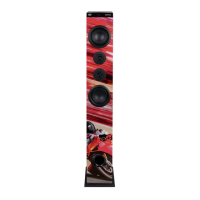
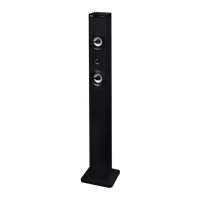
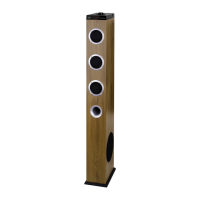
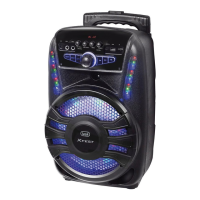
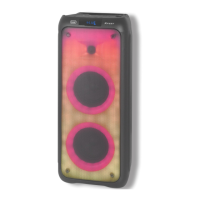
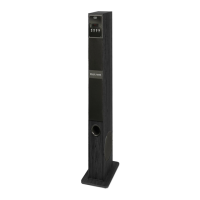
XT 108 BT
1. USB socket
2. LED display
3. R/C Window
4. NEXT/ VOL+ button
5. PREV/ VOL- button
6. PLAY/ PAUSE button
7. POWER/MODE button
8. FM Hole
9. Power Socket 12V
3A
10. R/L AUX-IN socket
POWER SUPPLY
Connect the supplied adapter to the 12V socket (9) in the back side of the appliance. Connect the supplied power
adapter to an electrical outlet.
BASIC FUNCTION
POWER ON/OFF
1. Press and hold for 2 sec. the POWER/MODE button (7) to turn on the unit.
2. Press and hold for 2 sec. the POWER/MODE button (7) to turn off the unit.
Is possible to turn on/off the unit by using the button
(28) on the remote control.
MODE FUNCTION
To change the function, press the POWER/MODE button (7) several times on the unit or press the function key that
ENGLISH
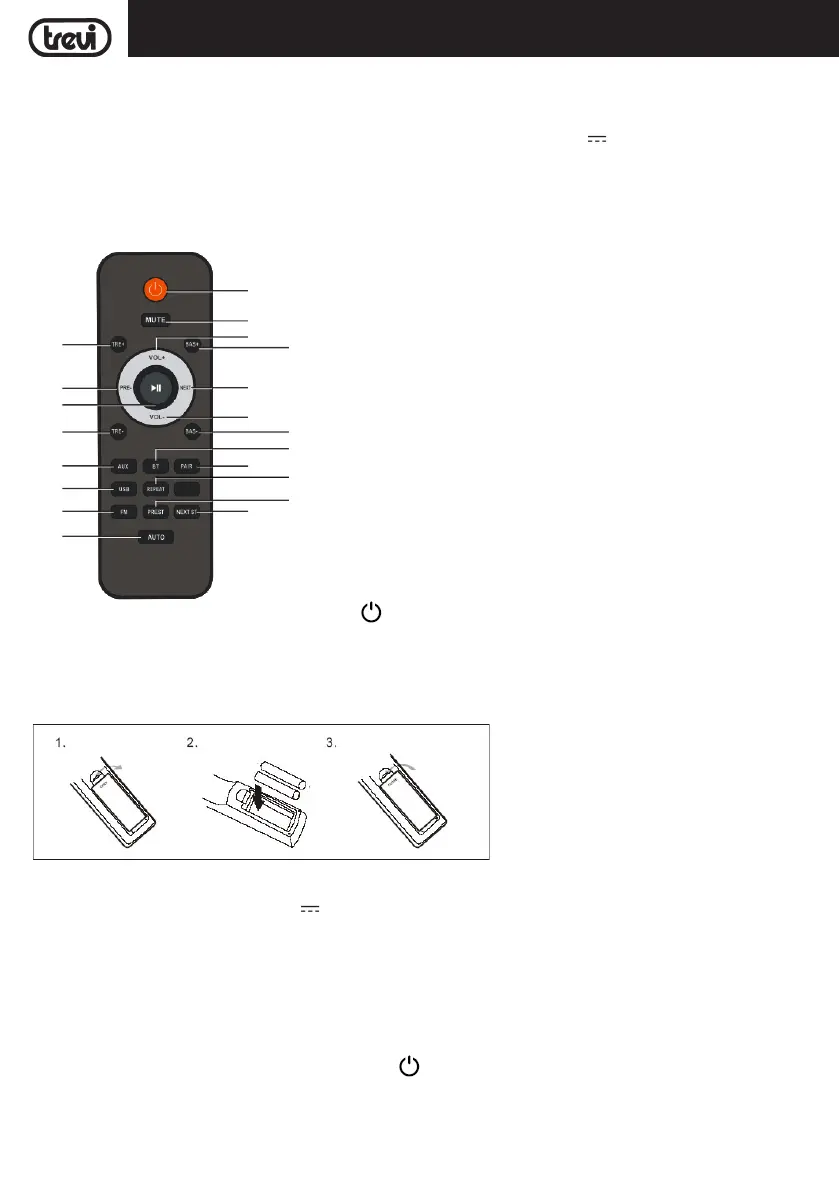
REMOTE CONTROL
BATTERY INSTALLATION:
Remove the back cover of Remote Control, insert 2x "AAA" (not supplied) batteries, paying attention to the indicated
polarity and close the cover.
11. Treble +/- buttons
12. PRE- button (Previous track)
13. button (Play/Pause)
14. AUX button
15. USB button
16. FM button
17. AUTO button, automatic storage radio stations
18. NEXT button, next radio channel
19. PRE button, previous radio channel
20. REPEAT button (Repeat single track, repeat all tracks)
21. PAIR button
22. BT button
23. Bass +/- buttons
24. VOL-
25. NEXT+ button (Next track)
26. VOL+
27. MUTE button
28.
button, Power ON/OFF
12
14
28
26
25
18
13
15
16
17
27
24
21
19
20
22
23
23
11
11


 To Next Page