Wi-Fi APP Connection:
The Wi-Fi App enables you to remotely control your camera using a smartphone or
tablet. It offers features such as complete camera control, live preview, playback,
selective content sharing and more.
Connect to iSmart DV2 APP
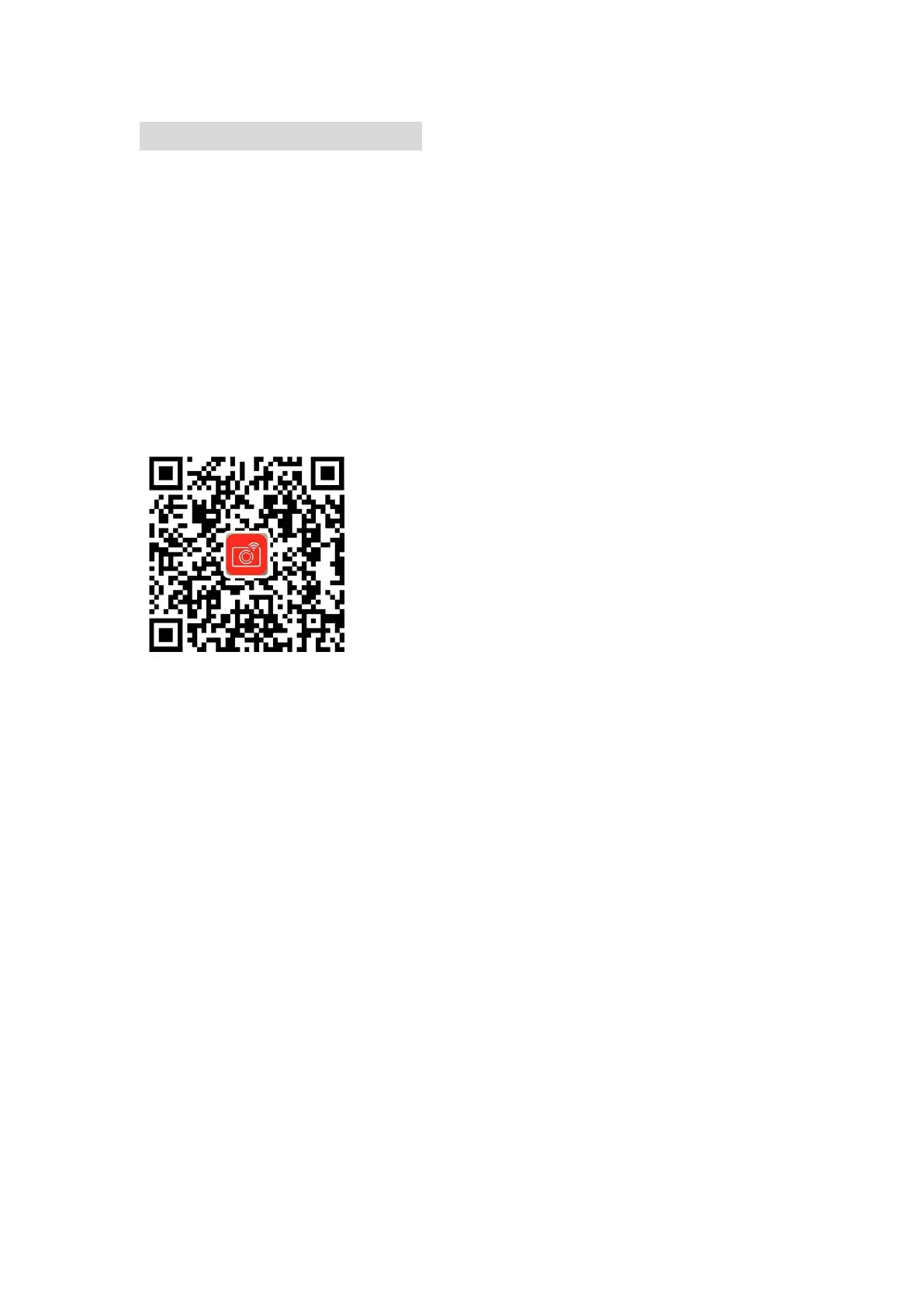
1. Download the iSmart DV2 APP from the Apple APP Store or Google Play on your
mobile device; or scan the QR code below to download.
2. Power on the camera, long press the Up Button for 3 seconds to active the Wi-Fi
function.
3. On your mobile device, enable Wi-Fi and connect to the Wi-Fi SSID displayed on
the camera screen and mobile device, labeled as “TRIAC6006BK”.
4. Enter the password: “1234567890” on your mobile device when prompted.
5. On an Android phone or tablet, enable GPS. On an iPhone or iPad, grant local
network permissions to the iSmart DV2 App.
6. Open the “iSmart DV2” app on your smart phone or tablet.
7. Tap “Add new camera” within the App.
8. Tap “Wi-Fi Connect” to establish the connection.
Note: Press the Up Button for 2 seconds if you want to turn off the Wi-Fi function.


 To Next Page