Getting Started
Power On: Press and hold the Power/Mode Button for 3 seconds.
Power Off: Press and hold the Power/Mode Button again for 3 seconds.
Function Overview
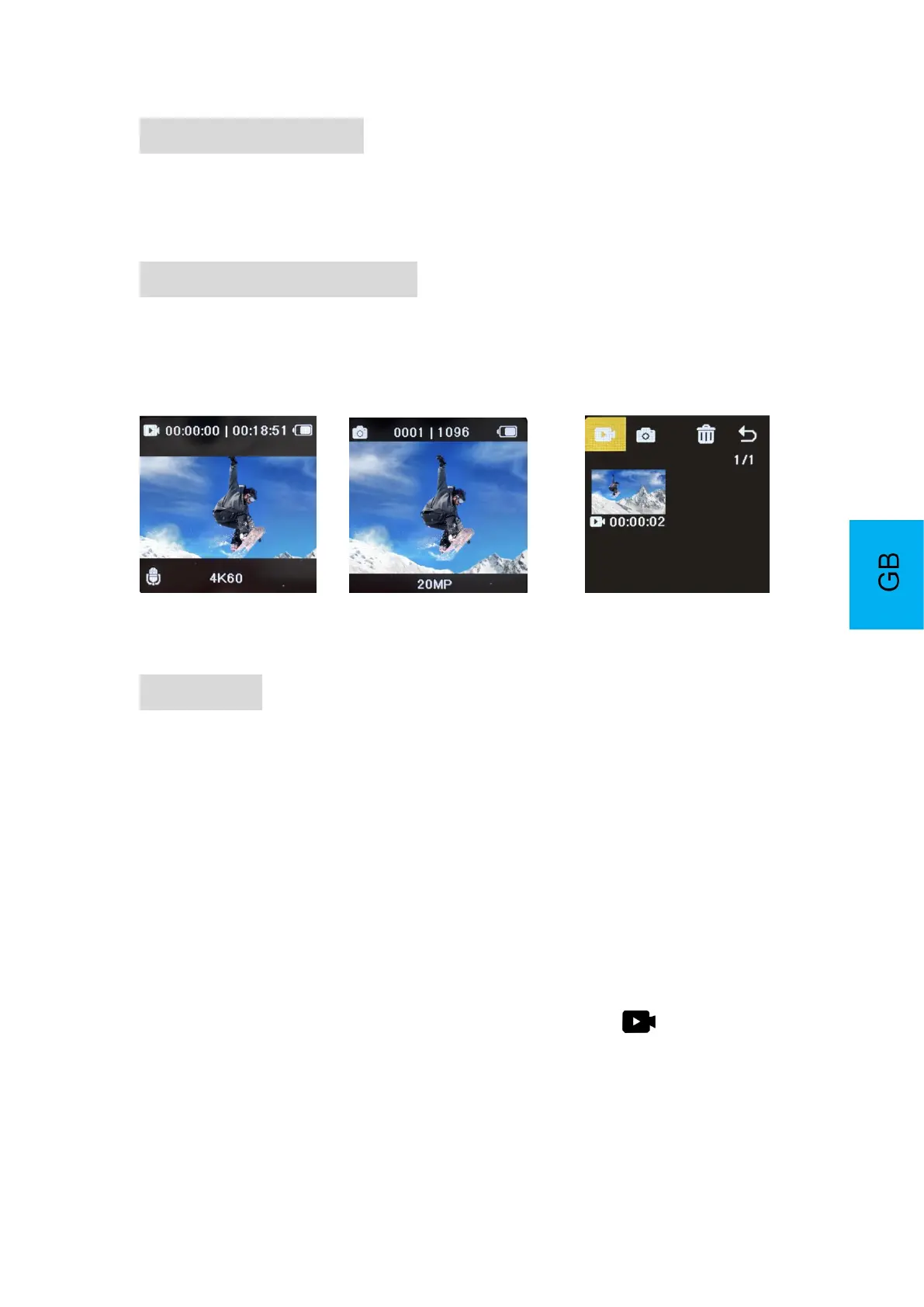
Turn the camera on and repeatedly press the Power/Mode/Setting Button to navigate
between different camera modes.
Video Recording Photo Recording Play Back
Settings
1. Mode Setting
Power on the camera and press Power/Mode Button to access and navigate through
Video/Photo Mode
Video Mode: Normal/Loop Record/Time Lapse/Slow Motion/Fast Motion
Photo Mode: 20MP/16MP/14MP/10MP/8MP/5MP/2MP
2. PlayBack
To playback a video or photos, follow these steps:
1. Press the Power/Mode button to access the Playback mode and navigate to
the desired file.
2. Press Up or Down Button to select a file, press Shutter/OK Button to playback
video or photo.


 To Next Page