27
AUDIO CONNECTIONS
There are 2 types of connection possible:
• JACK 3.5MM :
Connect a 3.5mm/2xRCA Jack or 3.5mm/3.5mm Jack cable (depending on the type of input
available on your amplier), then select the source on your amplier to enjoy your AIO C.
• OPTIQUE :
Connect an optical cable between your AIO C and your amplier; the optical cable allows a better
quality of listening if this input is available on your amplier. Then select the optical source on your
amplier.
NETWORK INSTALLATION
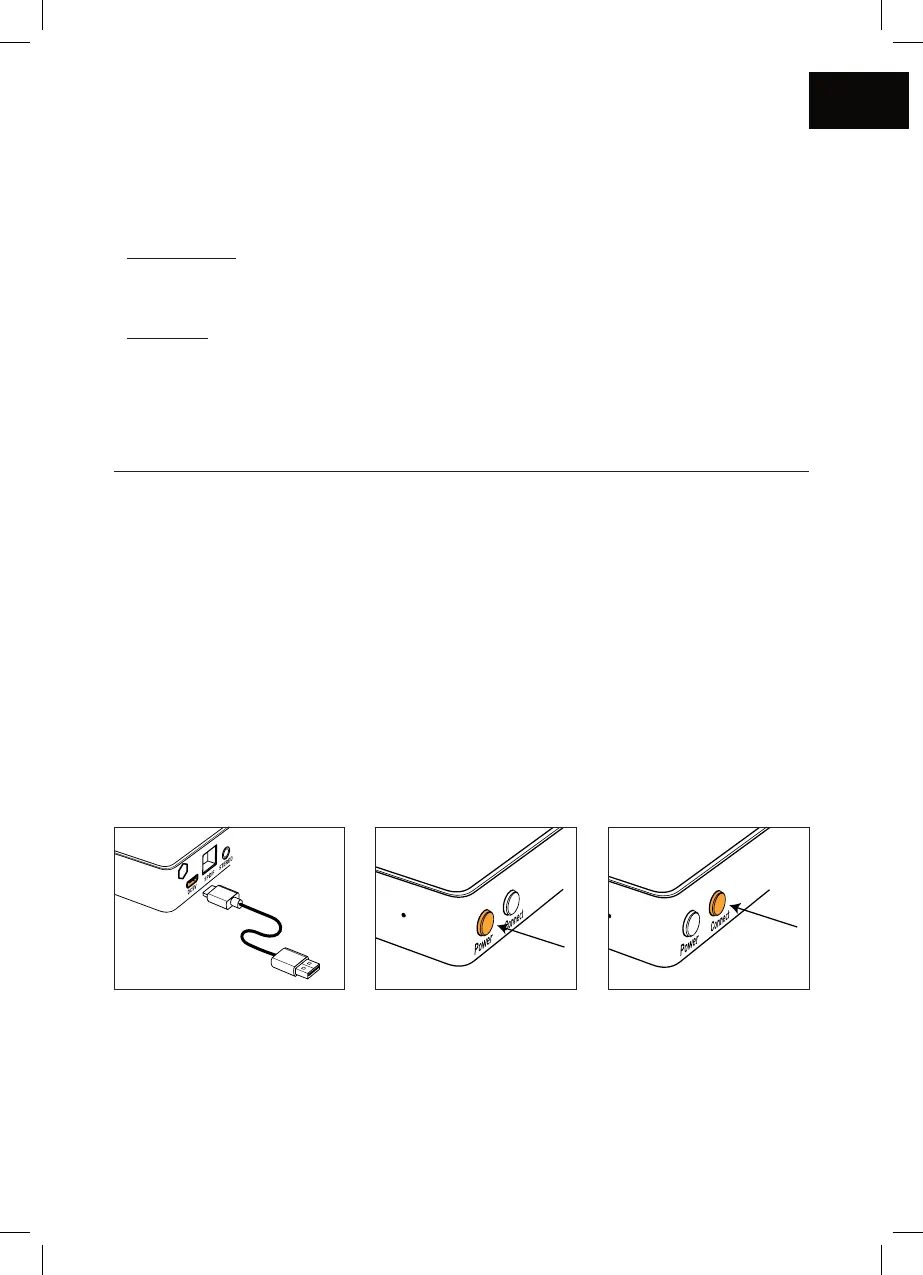
Î Plug your AIO’s power cord into a power outlet.
Î Connection by WiFi :
Î Press the Power button.
Î Press the Connect button on your AIO C.
Î Connexion with an Ethernet cable :
Î Connect the Ethernet cable. In this case, your AIO C will automatically be recognized on
your network without any necessary conguration.



 To Next Page