EN
6
2. Turn off the left and right earbuds, then press and hold the buttons of
both earbuds until the LED indicator flashes red and blue lights alter-
nately. Release the buttons and the earbuds will enter the Bluetooth
pairing mode ( the earbuds must be out of charging case ).
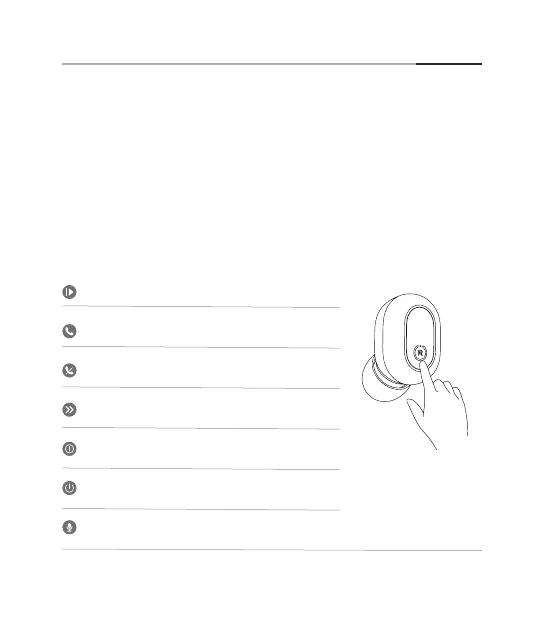
Button Controls
Play / pause the music: Short press
Answer / hang up the call: Short press
Skip to the next song: Press it twice
Reject the incoming call: Press it twice
Activate the voice assistant function: Continuously press it 3 times
Press and hold it for 5s to turn off the device
Press and hold it for 3s to turn on the device


 To Next Page