EN
5
Please, refer to the following two ways when connecting
with other devices:
1. Disconnect the current device, then the earbuds will automatically
enter Bluetooth pairing mode.
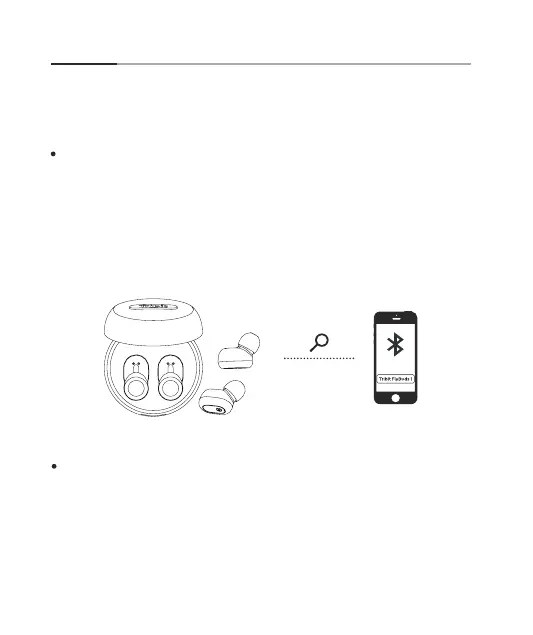
When you take the earbuds out of the case, they’ll enter Bluetooth pair-
ing mode automatically. Activate the Bluetooth function of your device
and search for other Bluetooth-enabled devices. Click and connect to the
“Tribit FlyBuds 1” on the searching list. The earbuds’ LED indicator will turn
off when they are successfully connected.
Bluetooth Connection
Connect with Bluetooth Devices


 To Next Page