EN
|03
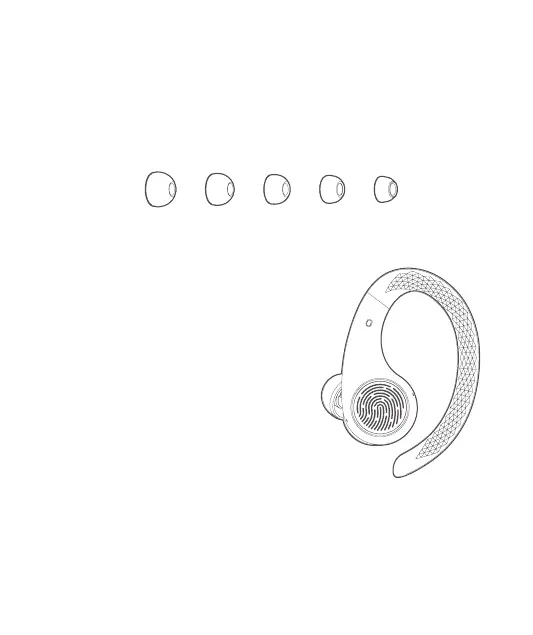
Replace the Ear Tips
Button Functionality
Five pairs of dierent-sized ear tips are provided to ensure you have the best choice for
your ears.
Le Earbud
Single-click:Play/pause the music / Answer a call.
Double-click: Previous track / End a call.
Click three times: Activate the voice assistant in
a non-conversation state.
Hold down: Decrease the volume / Reject an
incoming call.
Hold down (six seconds): While o, this will turn
on the le earbud.
Hold down (ten seconds): Turn o both earbuds.
Right Earbud
Single-click:Play/pause the music / Answer a call.
Double-click: Next track / End a call.
Click 3 times: Ambient mode.
Hold down: Increase the volume / Reject an incoming call.
Hold down (six seconds): While o, this will turn on the right earbud.
Hold down (ten seconds): Turn o both earbuds.


 To Next Page