EN
|04
Charging the MoveBuds H1
Place the MoveBuds H1 back into the charging case and close the cover to start
charging. If both the case's le and right light indicators are on, your MoveBuds H1 are
successfully charging.
It takes about 90 minutes for the MoveBuds H1 to fully charge.
Charging the Charging Case
The charging cases indicators will breathe during charging, producing a solid glow.
The MoveBuds H1 charging case takes 120 minutes to charge fully.
To reset the MoveBuds H1, place the MoveBuds H1 back into the charging case and
hold down the button on the case for ten seconds. The charging case's lights will ash
twice to indicate a successful reset.
Note: Aer resetting your MoveBuds H1, you must delete the pairing record on
your previously connected device and search for earbuds again to reestablish a
connection.
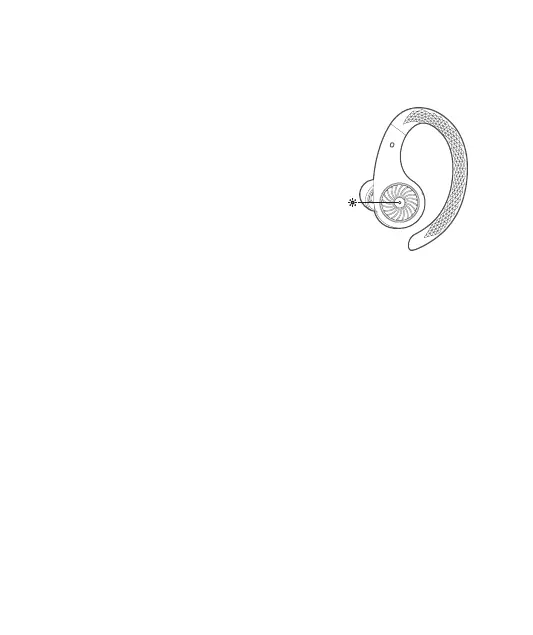
Power ON/OFF: The white indicator will flash for one
second before turning on/o.
Bluetooth Pairing: The white indicator will ash slowly
while in pairing mode.
Connection Successful: The white indicator will turn o.
Re-connecting: The white indicator breathes slowly.
Low Battery: The white indicator ashes rapidly.
MoveBuds H1 Indicator Light Instruction
Charging Instruction
Reset
Safety Tips
1. Do not dismantle or modify the MoveBuds H1 for any reason. The warranty will not
cover any resulting malfunction due to modications.
2. The opening and closing edge of the charging case is much sharper than other


 To Next Page