EN
10
Stereo Mode
1.
2.
3.
Make sure both two speakers have entered party mode.
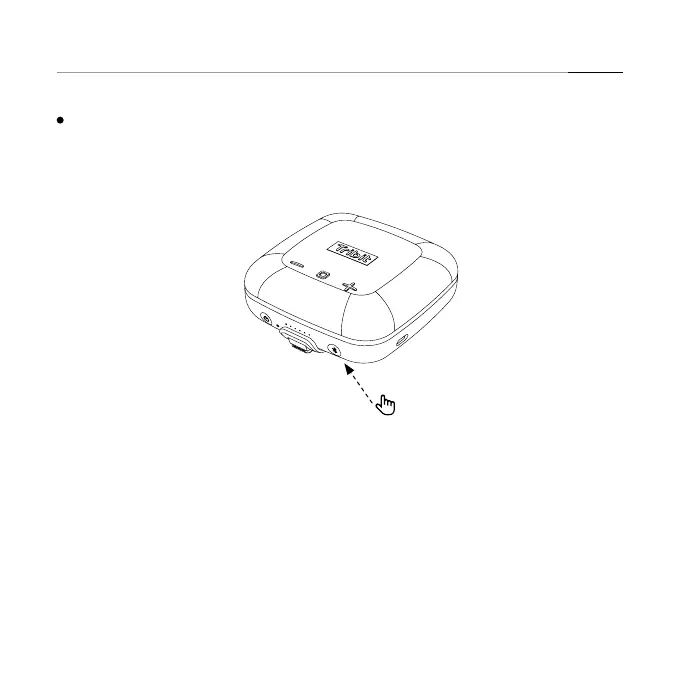
Short press the Bluetooth button on any of the two speakers.
Release the buttons when you hear the voice of Stereo Mode. One speaker will sound
“Left” and the other will sound “Right”, and then the stereo mode is activated.
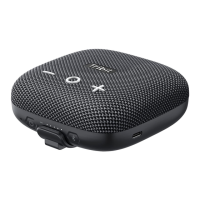
Note: The function of stereo mode can be realized only when you have 2 Tribit Stormbox
Micro speakers.


 To Next Page