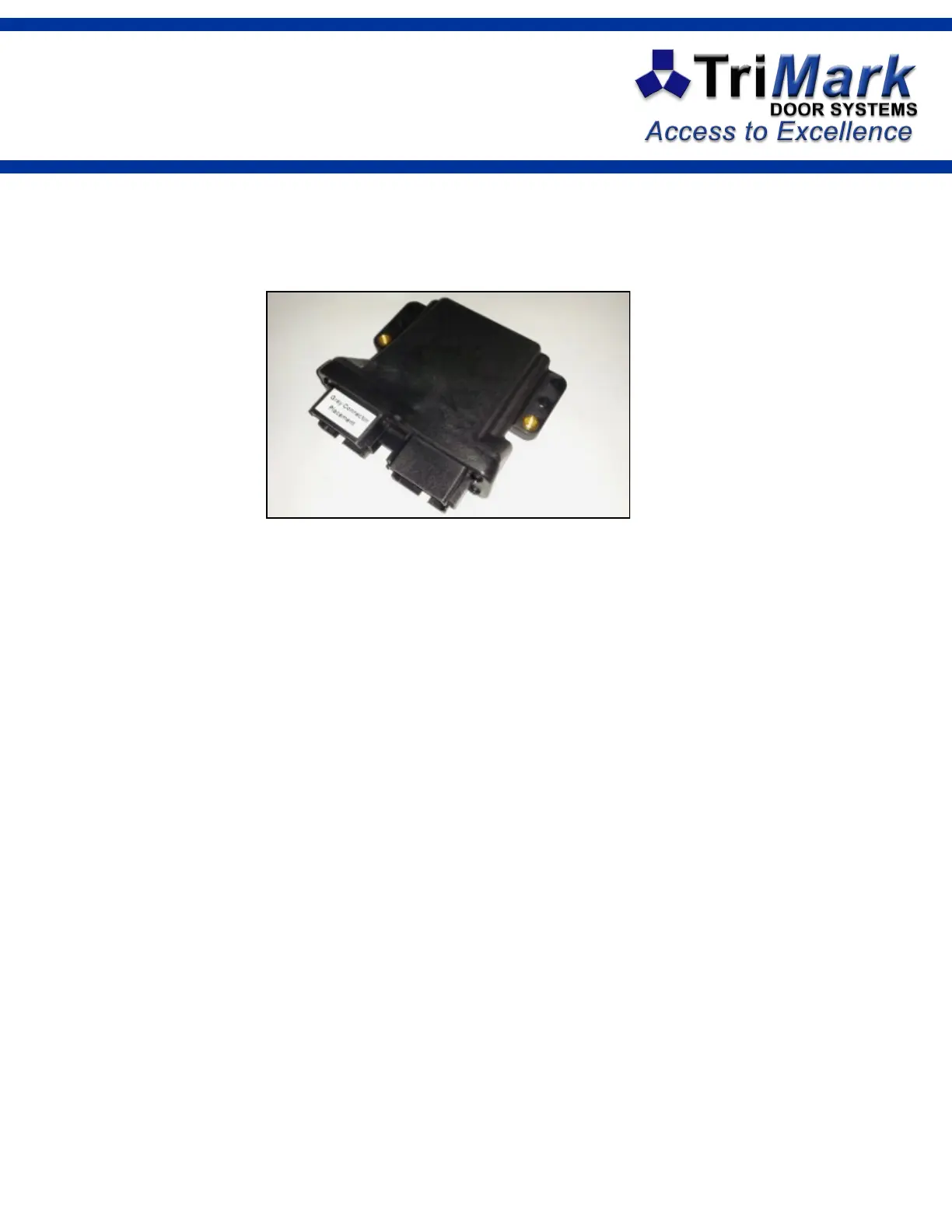
Teaching Additional
FOB Transmitters
Programming key fobs to this device requires the use of the TriMark Keypad
1. Hold the [5 / 6] button of the keypad for 5 seconds. The keypad will beep and the backlight
will flash.
2. Enter your authority code. The buzzer stays on until the next step if the authority code is
correct.
3. Hold [9 / 0] button for 5 seconds. A double-beep plays.
4. The receiver module is now in e-FOB learn mode.
5. Press and hold the LOCK button of each transmitter to be trained, one at a time. Press
and hold the button for 5 seconds for the first key fob, and for 2 seconds on each addi-
tional key fob. You must wait three seconds between each key fob.
6. After 60 seconds of e-FOB button inactivity, or by simply pressing any key on the keypad,
4 beeps will sound and the module will return to normal operation.
Notes:
If you place the system in learn mode and teach nothing, the system will exit in 60 sec-
onds and nothing will change.
All previous transmitters are erased if a transmitter is taught during a programming
session, so all transmitters must be taught in the same session to retain functionality.
This device complies with Part 15 of FCC rules. Operation is subject to the following condi-
tions: (1) This device may not cause harmful interference, and (2) This device must accept
any interference received, including interference that may cause undesired operation.
Changes or modifications not expressly approved by the party responsible for compliance
could void the user's authority to operate this device.
TriMark CAN Door RF Receiver 24322-02


 To Next Page