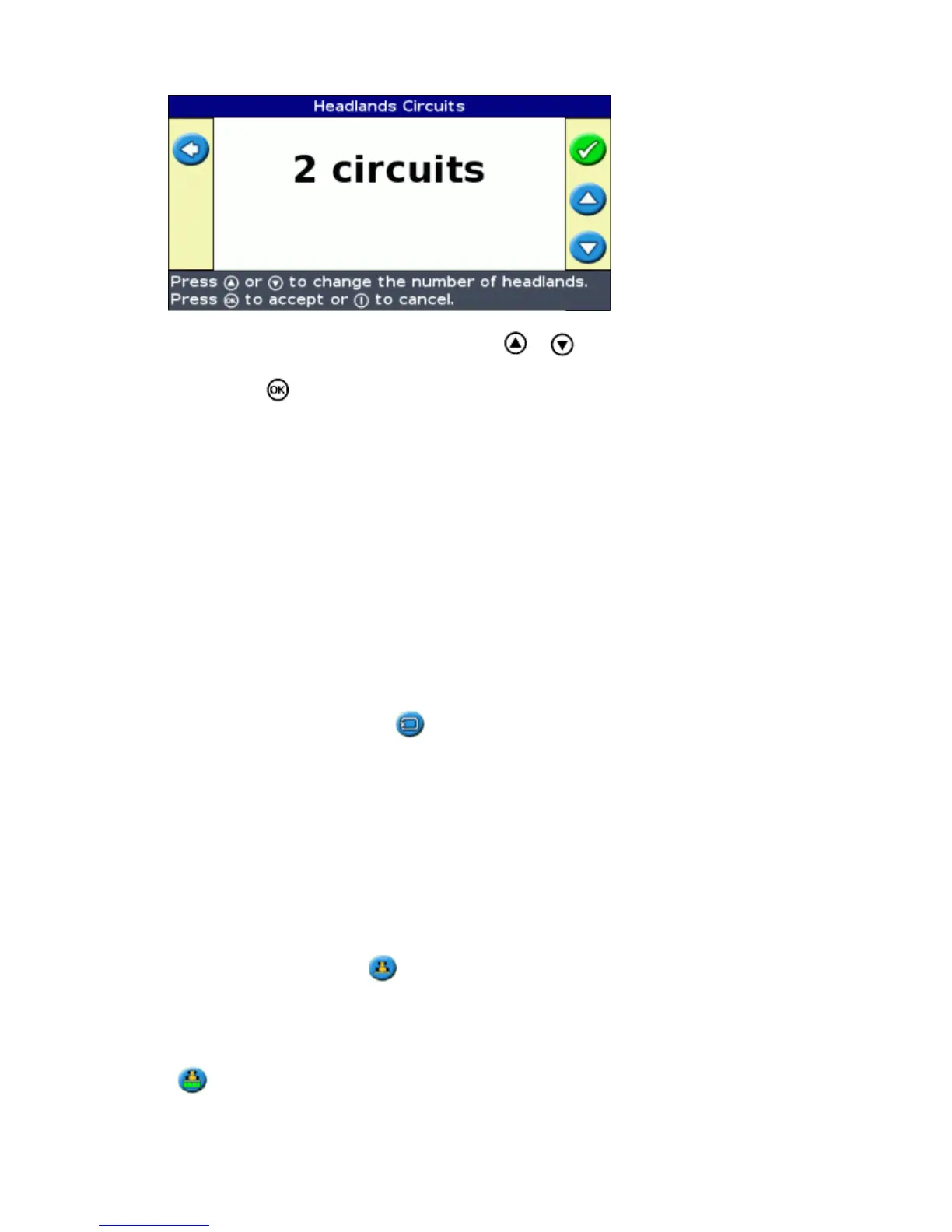
On the Headlands Circuits screen, press or until the screen displays the required number
of circuits.
1.
Press . The main guidance screen appears.2.
Step 4. Defining the pattern on the field
Drive to the start point.1.
Note: For a headland, set the start point and begin to drive.
Set the A point.2.
Drive the guidance line.3.
Note: To accurately define a pivot, put the vehicle wheel in a center pivot near the outside edge of the
field.
Map the B point (if necessary).4.
Note: For a headland, select the icon or drive back into the circle around the start point.
Turn and follow the guidance.5.
Coverage Logging
Coverage logging draws a solid block of color behind the vehicle to show the area that you have applied. When
you pass over an area for the second time, the color of the covered area changes. This is useful for viewing any
overlap.
To begin coverage logging, press the function button while you are driving:
The coverage logging icon changes to show that logging is enabled.•
On the lightbar screen, the logging trail is drawn behind the vehicle.•
Press the function button to turn off coverage logging.
33



 To Next Page