Advanced Mode Guidance
Resetting Guidance
Use the icon to create or load a field or line.
To reset guidance:
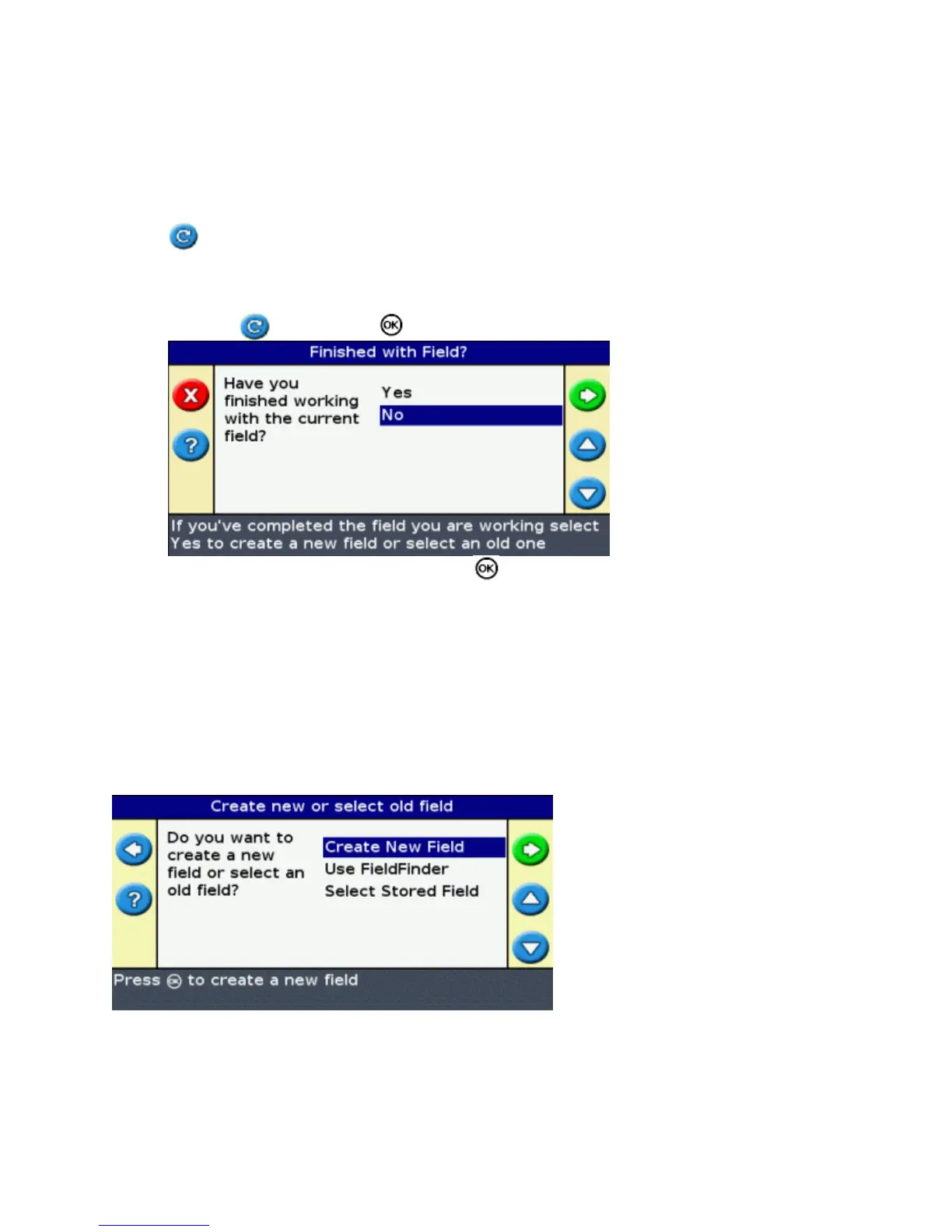
Select the icon and press . The Finished With Field? screen appears:1.
Select one of the two options and then press :2.
Yes − To map a new field (see Creating a New Field or Line ) or select an existing field (see
Selecting a Field ).
♦
No − To map a new AB Line (see Creating a New Line ) or select an existing AB Line in the
current field (see Selecting an AB Line ).
♦
Note: If you select 'Yes', the field is immediately closed. This means that you cannot cancel out of the New
Field wizard and go back to your current field.
Creating a New Field
To create a new field, the New Field wizards takes you through the following steps:
Enter the field and event names.1.
Configure the implement.2.
Select the pattern type.3.
36



 To Next Page