Drive and define the guidance line.4.
Step 1: Enter the field and event names
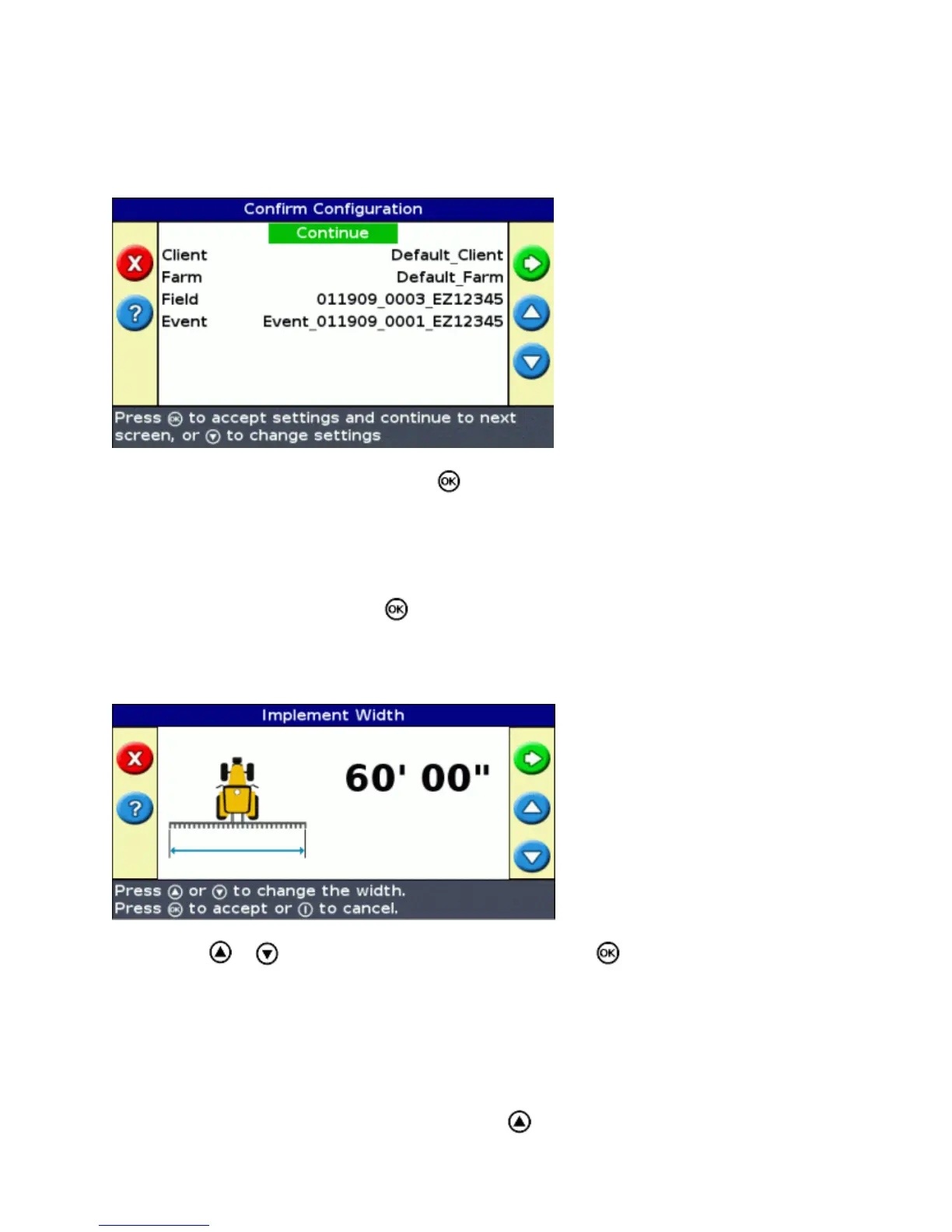
The Confirm Configuration screen appears.
Select the Client option and then press .1.
Do one of the following:2.
Select an existing client from the list.♦
Enter a new client name.♦
Accept the default name.♦
Repeat Step 2 for the Farm, Field, and Event options.3.
Select Continue and then press .4.
Step 2: Configure the implement
The Implement Width screen appears:
Press or to adjust the implement width and then press . The Overlap/Skip screen appears.1.
Note : If you want to eliminate all skips in coverage, you can insert an overlap value to compensate for
GPS errors.
Do one of the following:2.
If you want your passes to meet so you have full coverage without overlaps, use the default
Overlap/Skip value.
♦
If you want your passes to overlap, press to enter an overlap distance.♦
37



 To Next Page