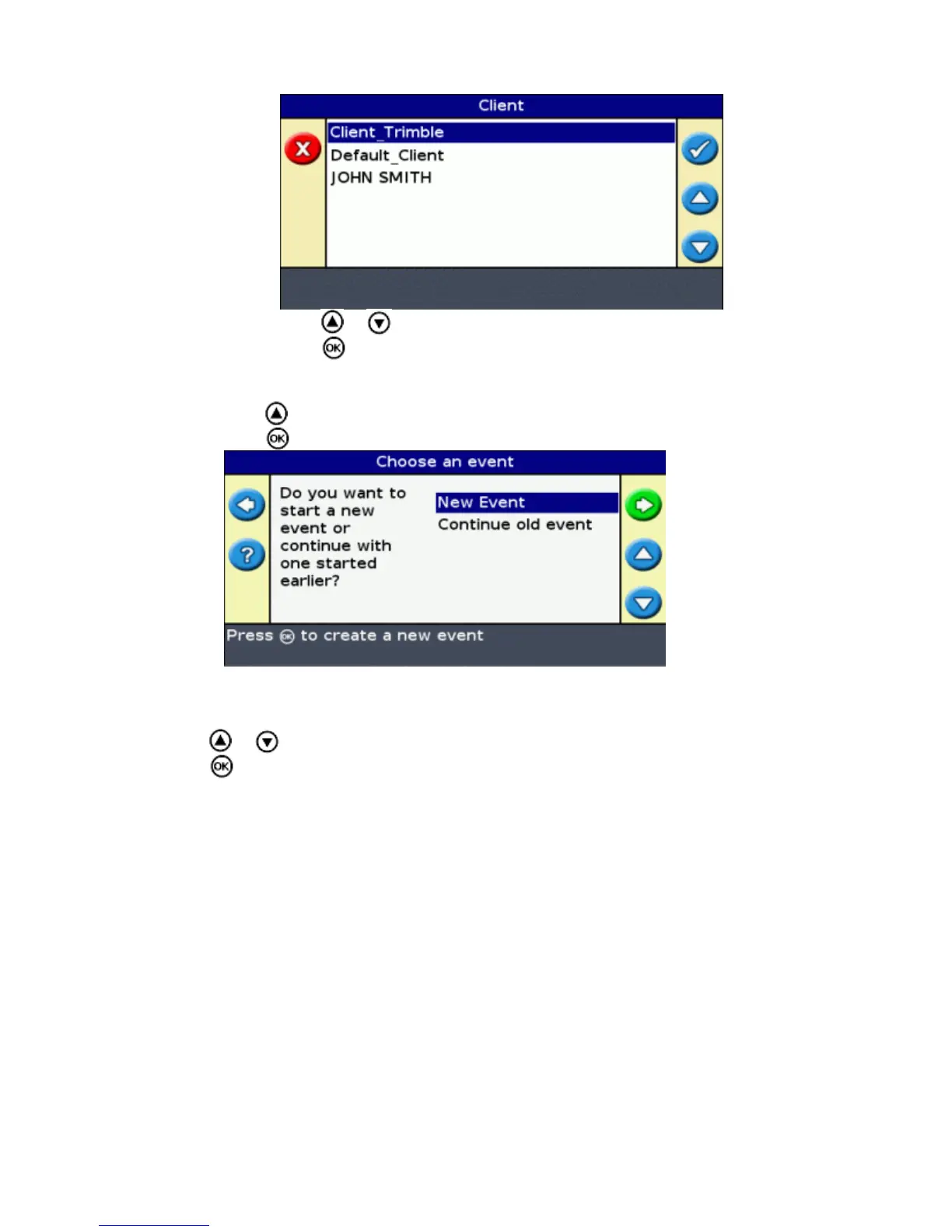
Press or until you select the desired Client name.b.
Press . The Select Stored Field screen reappears.c.
Select the farm, using the same process as for client.4.
Select the field, using the same process as for client and farm.5.
Press to select Continue .6.
Press .The Choose an event screen appears.7.
Step 2: Selecting or creating the event
Press or until you select either New Event or Continue old event:1.
Press .2.
If you selected New Event, you must enter a name for the new event.
Note: If you want to create a new line in this field, load an existing line, select the icon and then create a
new line.
One of the following occurs:
If there is only one saved line, it is automatically selected. See Step 4: Setting up the implement.♦
If there is more than one saved line, the Select Stored AB Line screen appears.♦
44



 To Next Page