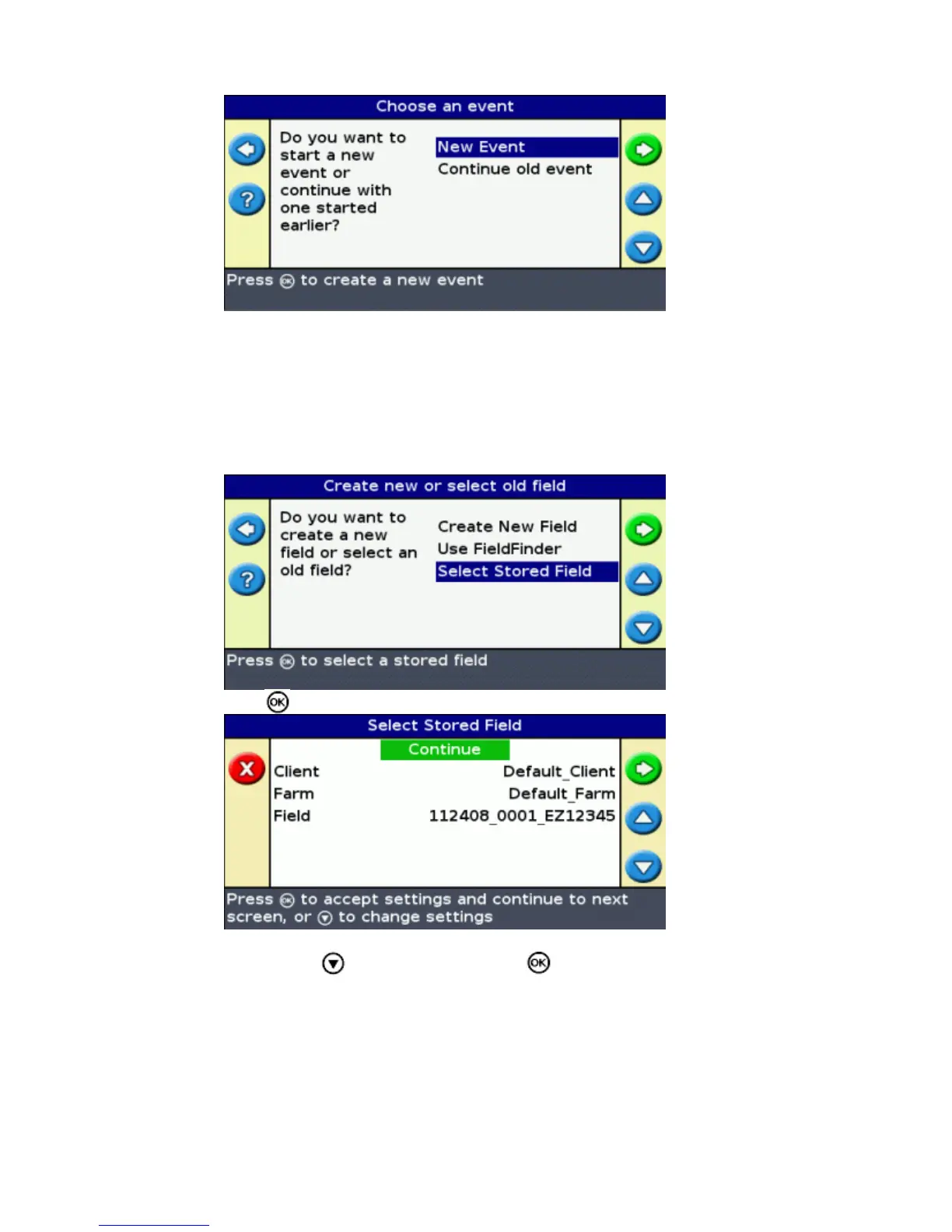
Selecting the Field name from a list
You can select the field from a list of names, instead of a map. This can be useful if the lightbar is not
receiving a GPS signal.
To select a field from a list of names:
From the Create new field or select old field screen, select Select Stored Field .1.
Press . The Select Stored Field screen appears.2.
Select the client.3.
Press to select Client and press . The Client screen appears.a.
43



 To Next Page