Deleting Features
You can delete mapped features in two ways:
Manually delete the closest feature in the field•
Delete all the features in a selected field.•
Manually deleting the closest feature
To manually delete the closest feature:
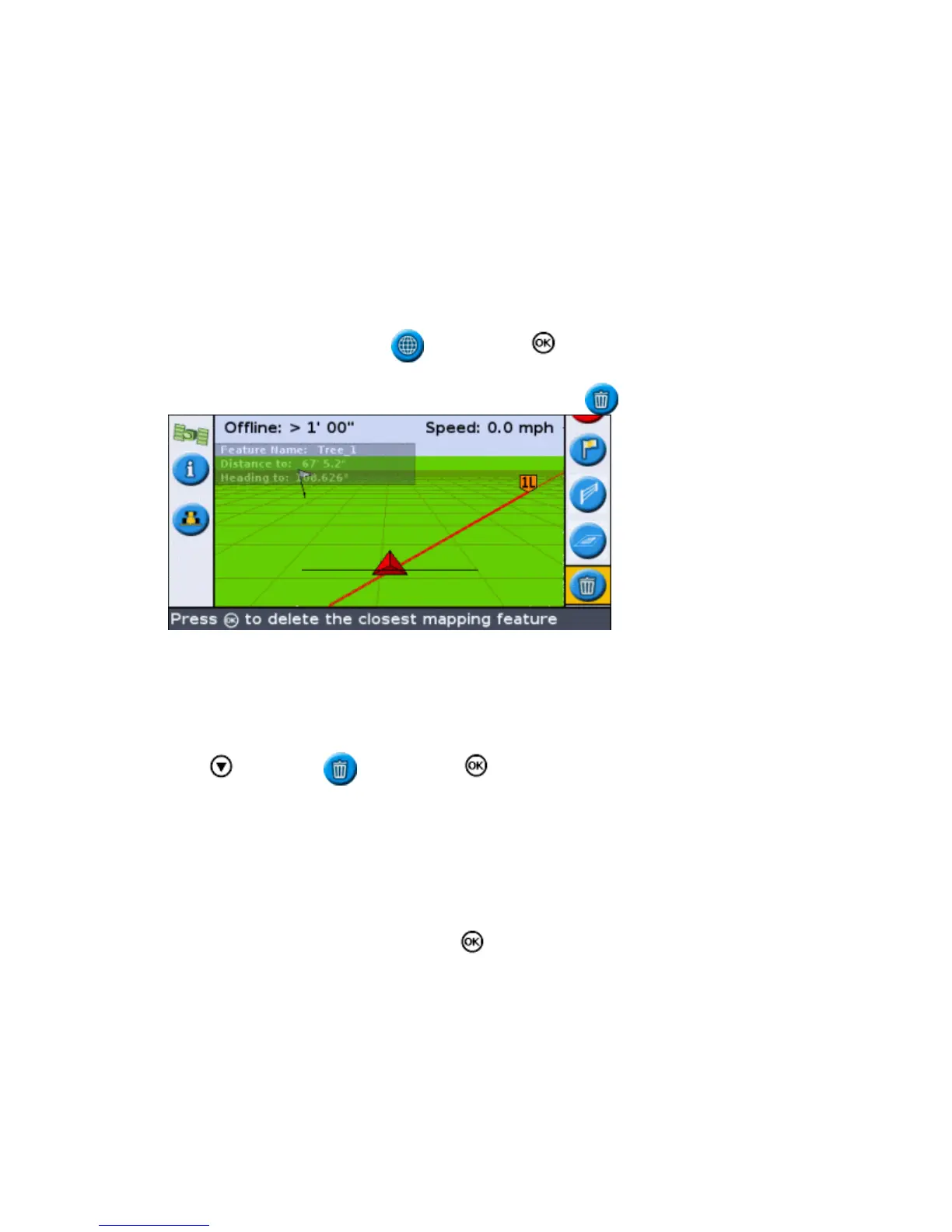
Enter mapping mode. Select the icon and press .1.
While features are mapped in the field, the Delete Features ( ) icon is shown.
Drive towards the feature you want to delete, until it is selected as the closest feature. The closest feature
is indicated by a flashing white boundary.
2.
Tip: Ensure that the correct feature is selected by checking on the Features Information Tab.
Press to select the icon and press .3.
The closest feature is deleted.
Deleting all features in a field
To delete all mapped features in a field:
Select Configuration / Mapping and press . The Mapping menu appears.1.
76



 To Next Page