If the lightbar is not already in Advanced mode, change it to Advanced mode by selecting Configuration /
User Mode.
1.
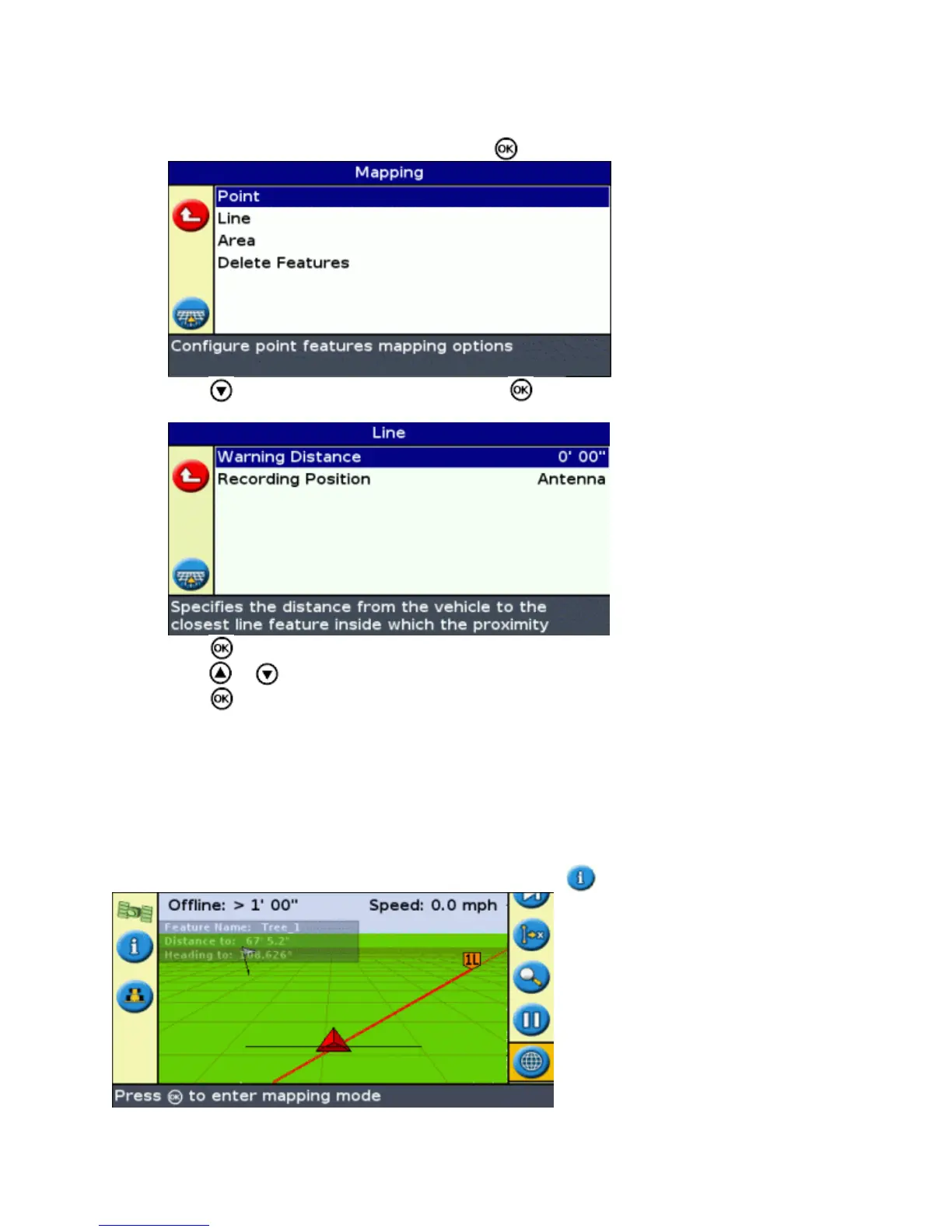
Select Configuration / Mapping and then press . The Mapping menu appears.2.
Press to select Point , Line or Area and press to display the Point, Line or Area feature
configuration screen.
3.
Press . The Warning Distance screen appears.4.
Press or to change the warning distance.5.
Press .6.
Note: Set the warning distance large enough to be safe for the entire vehicle length. You should consider
the implement length as well as the tractor length.
Displaying Feature Information
To display information about the closest feature in the field, press until the Features information tab appears.
75



 To Next Page