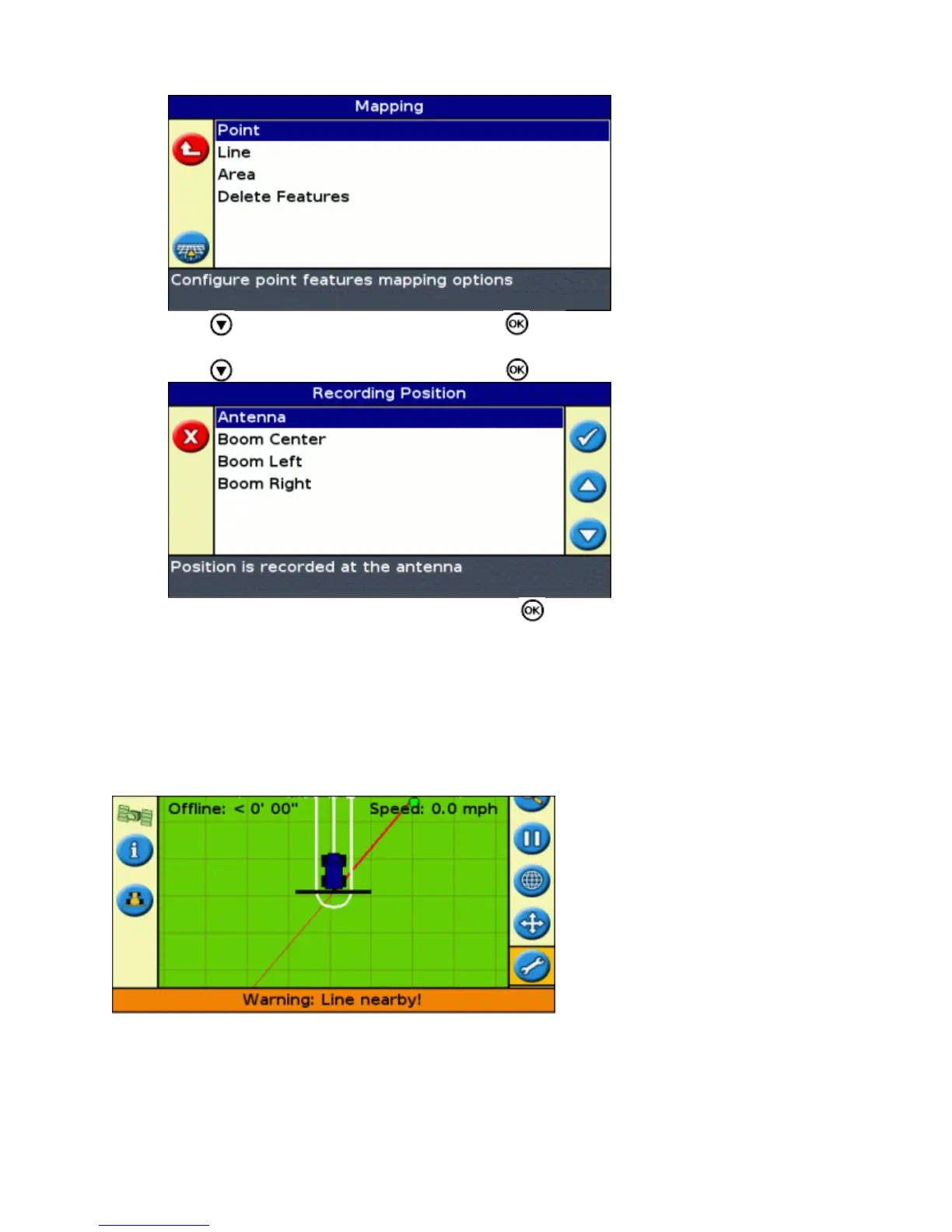
Press to select Point, Line or Area and press to display the configuration screen for the feature
type.
3.
Press to select Recording Position and press . The Recording Position screen appears.4.
Select the appropriate recording position and press .5.
Warning Zones
When a point, line, or area feature is mapped, you can configure a warning zone around the feature.
When the vehicle enters the warning zone around a feature, the lightbar provides a visual and audible warning (if
Sonalert alarm is connected)
You configure the warning zone as a distance around a point feature, or as a distance around line or area features.
To configure a warning zone for a point, line or area feature:
74



 To Next Page