Note: By default, the line feature is mapped at the antenna location. To change where a feature is mapped, see
Recording Position .
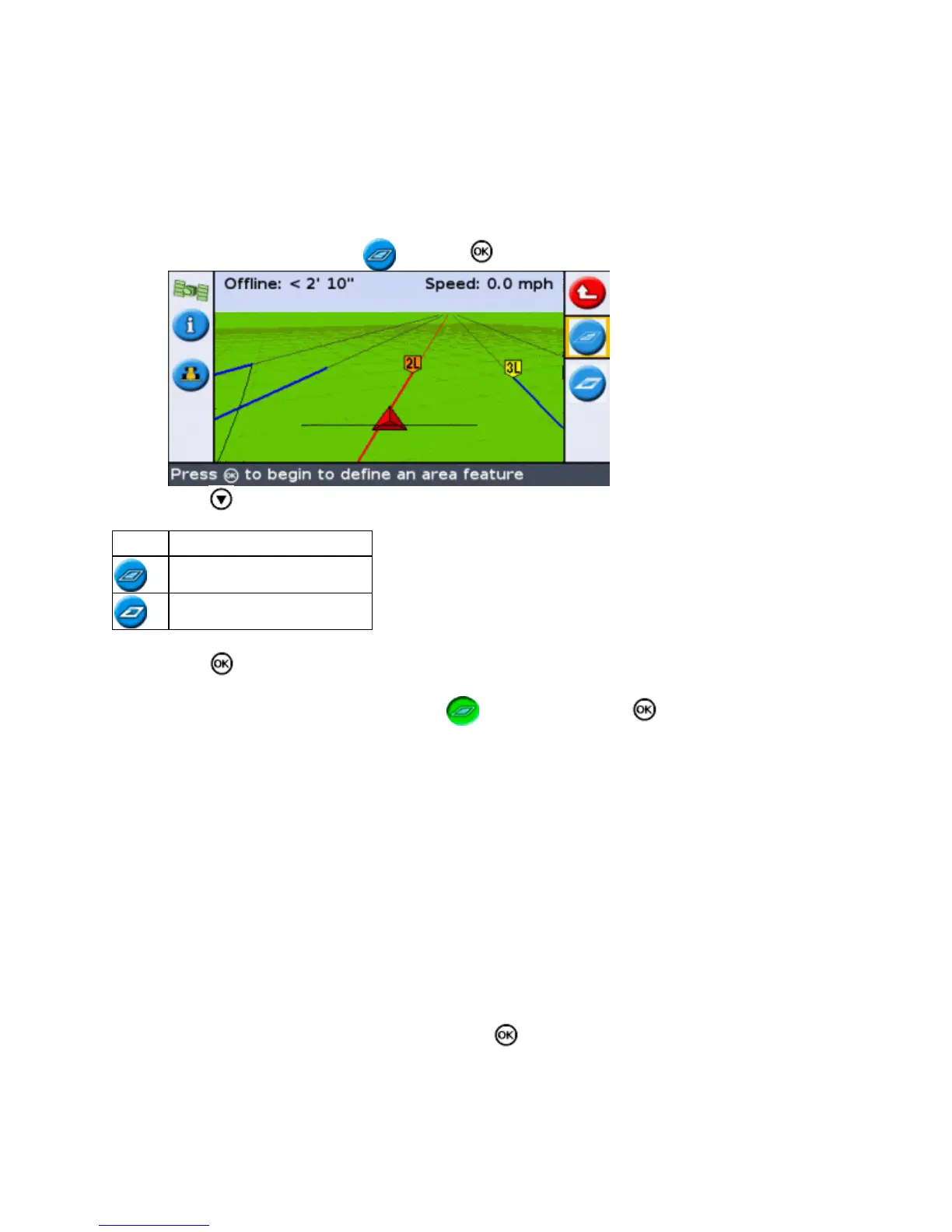
Mapping area features
To map an area feature:
From mapping mode, select and press . The area feature mapping icons appear.1.
Press to select the appropriate area feature icon:2.
ITEM DESCRIPTION
Map a generic area feature.
Map an exclusion zone.
Press . The lightbar begins recording the area feature.3.
Drive around the area feature.4.
To complete the area feature, check that is selected then press .5.
Note: By default, the area feature is mapped at the antenna location. To change where a feature is mapped, see
Recording Position .
Recording Position
By default, all point, line and area features are recorded at the antenna position. You can independently configure
the recording position for point, line and area features.
To change the recording position of features:
If the lightbar is not already in Advanced mode, change it to Advanced mode by selecting Configuration /
User Mode.
1.
Select Configuration / Mapping and then press . The Mapping menu appears.2.
73



 To Next Page