4 Connecting to an EZ-Steer System
36 EZ-Guide 500 System Cabling Guide
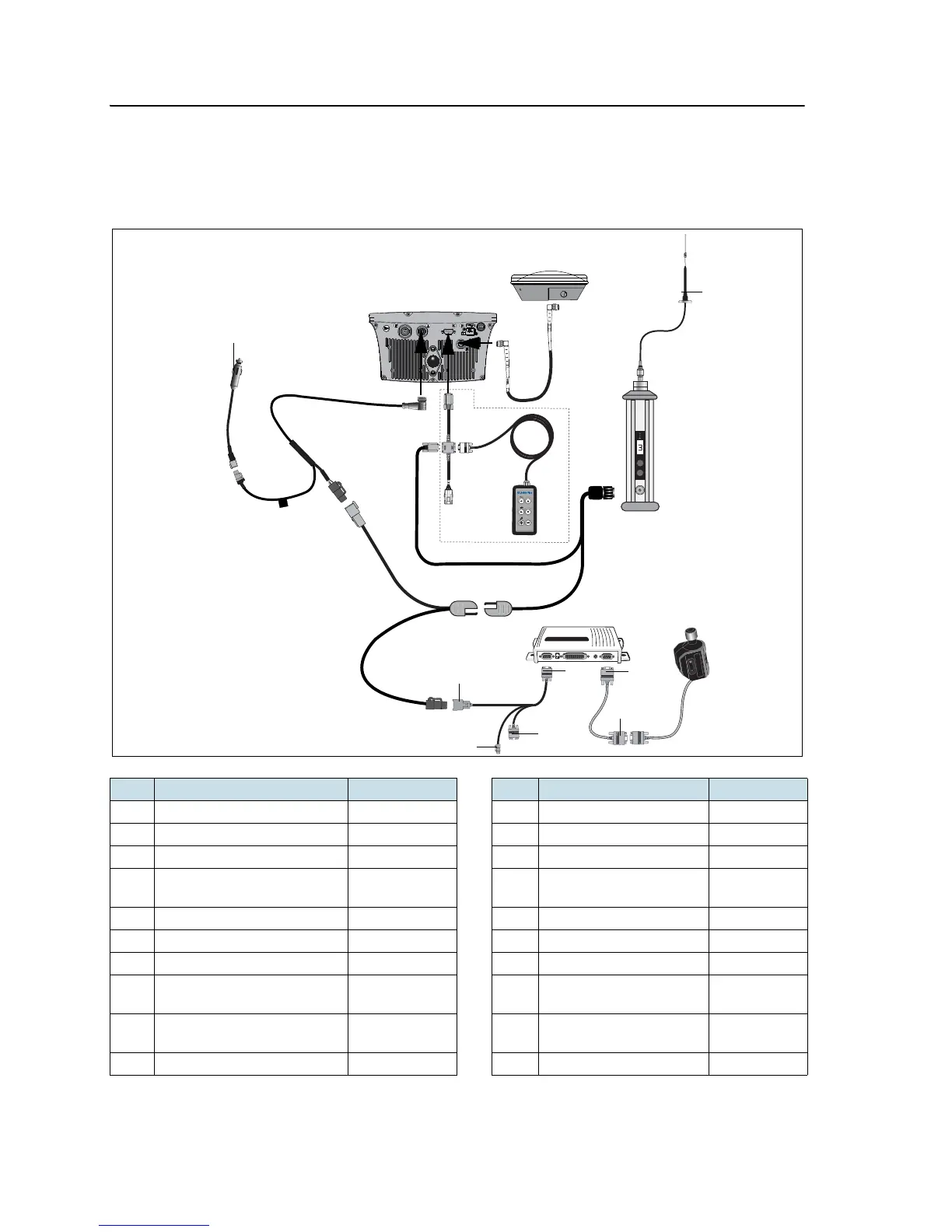
EZ-Steer 500 system (for 450 MHz RTK corrections)
This figure shows how to connect the EZ-Steer 500 system to a 450 MHz radio for RTK
corrections:
Item Description Part number Item Description Part number
A Radio antenna 51870-x0-x0 M Power connector cable 62818
B Radio antenna cable 62109 N EZ-Guide 500 lightbar 66100-xx
C PDL 450 MHz radio 62550-4x-xx O GPS antenna cable 50449
D PDL 450 MHz radio
power/data cable
51861-00 P GPS antenna 77038-00
E EZ-Steer controller – 1 “P2” connector –
F EZ-Steer motor 53058-00 2 “P1” connector –
G EZ-Steer motor cable 62257 3 “R2” connector –
H EZ-Steer extension cable 62974 4 Laptop connector (for
firmware upgrade)
–
I Remote keypad (optional) 66030-00 5 Alternate power
connector
–
J External interface cable 62749 6 “S1” connector –



 To Next Page