Juno T41
User Manual
14
2.2 Start screen
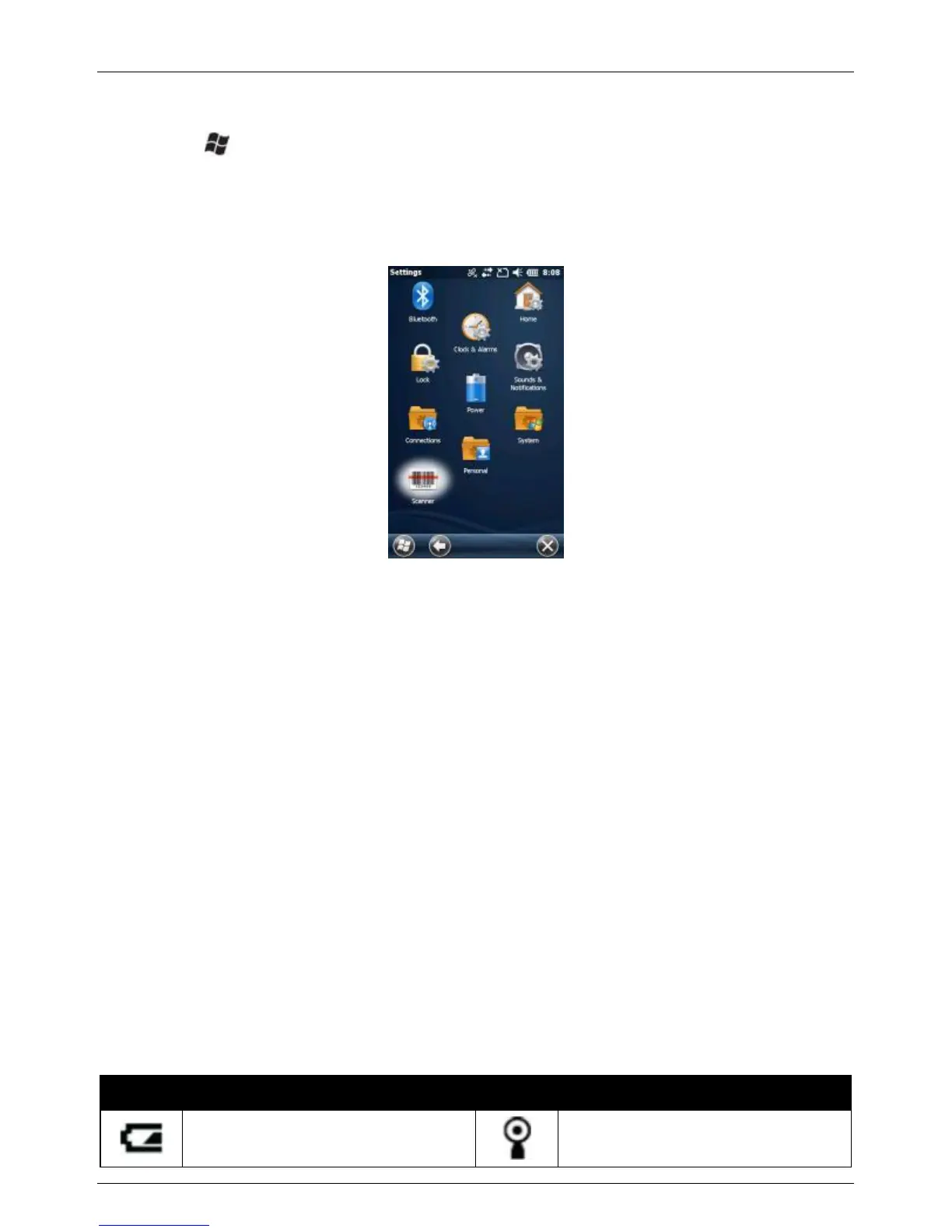
Press the button to access the Start screen where you can easily
access the software installed on your device. Slide your fingertip up/down
on the Start screen to browse more items and then access an item by
tapping on the item.
2.3 Title bar
In Windows Embedded Handheld, the title bar is located at the top of the
screen and it is touchable. Tap anywhere on the title bar to reveal a list of
vertical icon slots, representing different categories of icons. Tap an icon to
get additional notification or status information. The title bar also provides
access to the Magnify tool, providing a closer look at the data on the
screen. Simply tap the Magnify icon on the right end of the title bar to end
magnify mode.
The Start, OK, and Close (X) icons have been moved from the Title bar to
the Tile bar to improve consistency. Now, all navigation controls—Start,
OK and Close—are in one place.
2.3.1 Title bar status indicators
The following table lists common status indicators seen in the Title bar.



 To Next Page