Juno T41
User Manual
17
2.6 Securing your device
You can customize the level of security you want to have on your device by
locking the keypad or the entire device.
Lock the keypad
The keypad lock turns off the keypad functionality. This is a helpful feature
if, for example, your device is turned off and in your pocket, and you want
to prevent accidental button presses from activating the device.
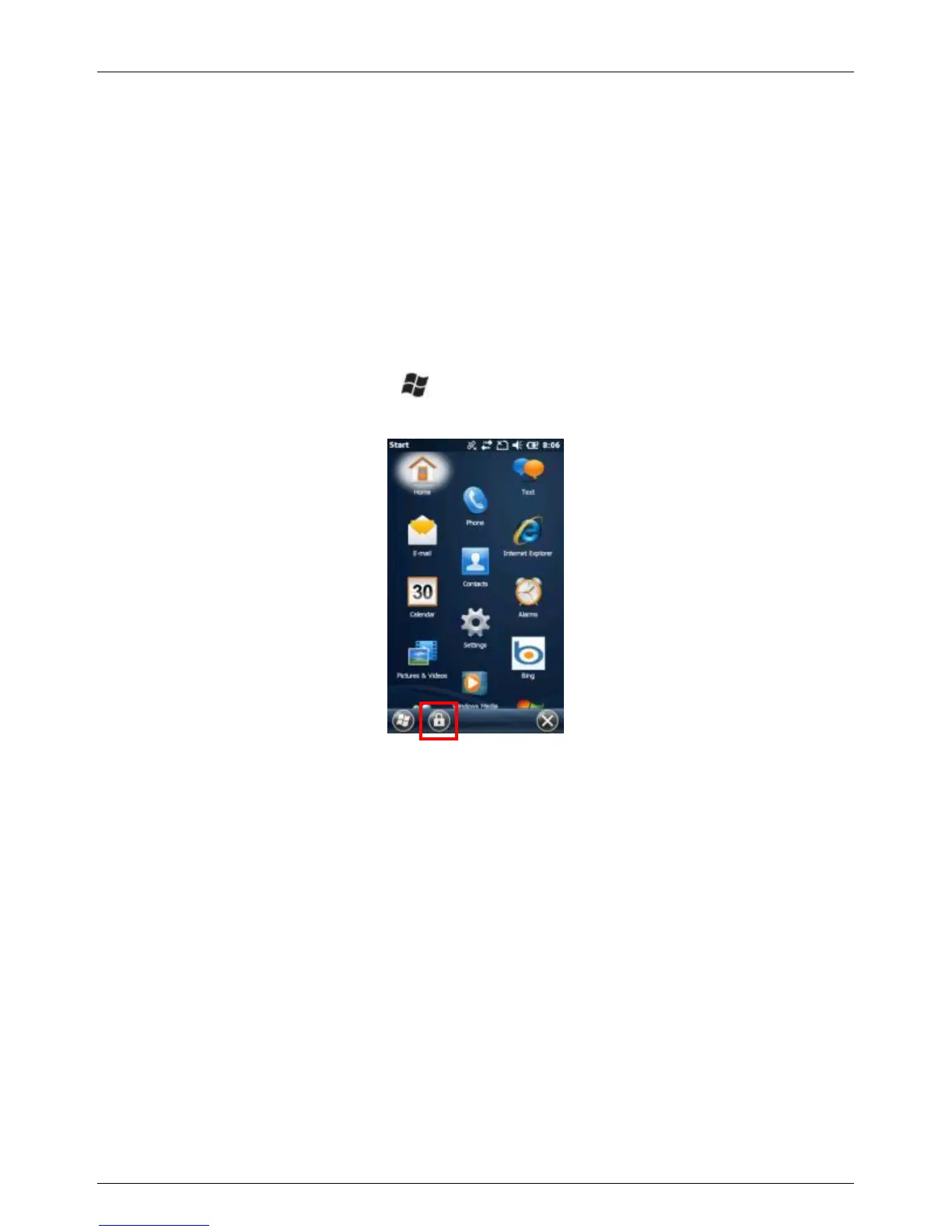
To lock the keypad, press the button to access the Start screen, then
press the LEFT button or tap the padlock tile on the Tile bar.



 To Next Page