Juno T41
User Manual
18
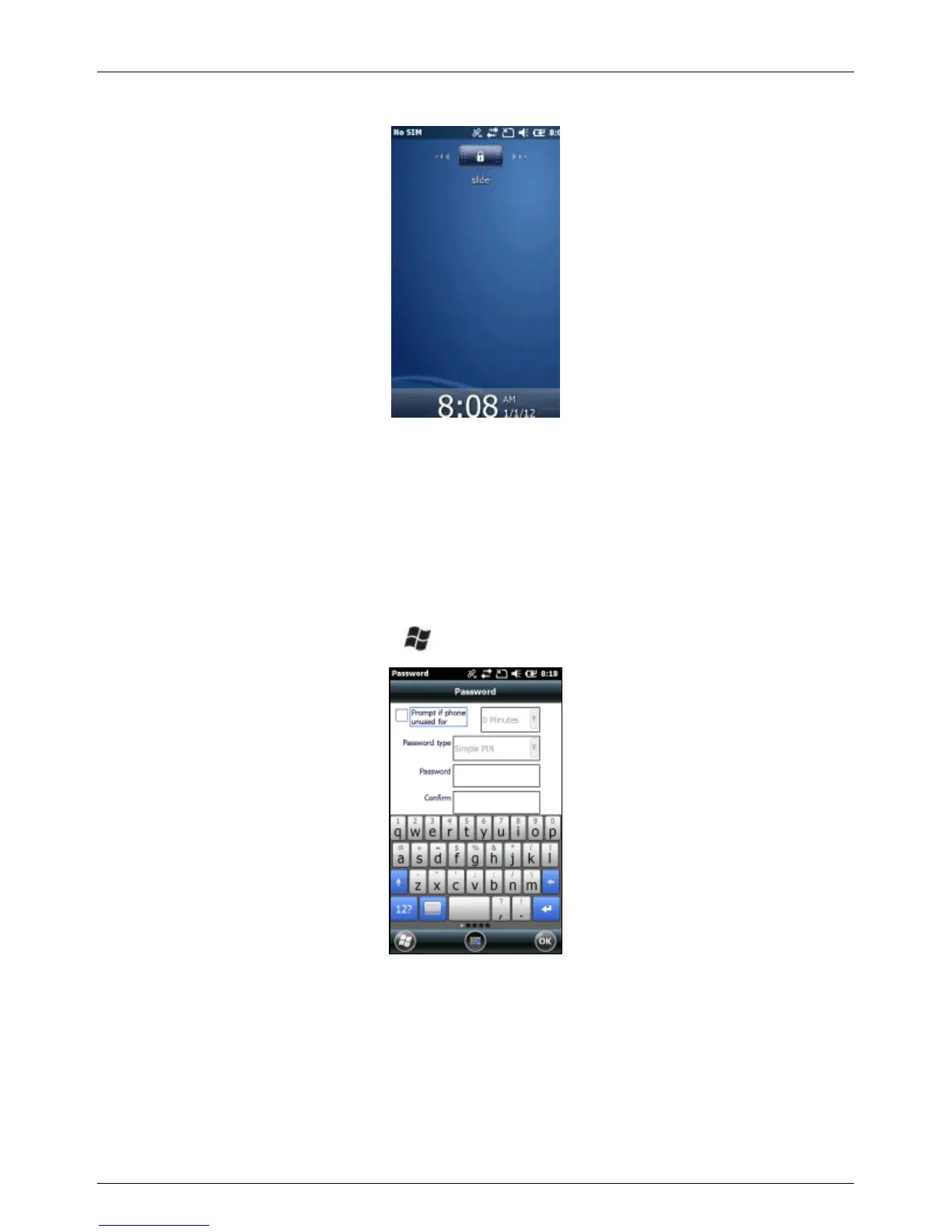
You will then see the following screen:
To unlock the keypad, slide the lock symbol.
Lock your device
Locking your device prevents access to personal data. When you enable
this feature, your device will automatically lock after a specified time of
inactivity. A screen will be displayed requiring your device lock password
before access is granted.
To access the Lock menu, tap > Settings > Lock
WARNING: BE CERTAIN TO REMEMBER THE PASSWORD.
The only way to recover from a forgotten password is to perform a
Clean Boot. However, you will LOSE all application software, licenses,
settings and data on your device. For instructions on how to Perform a
Clean Boot, see below..



 To Next Page