Juno T41
User Manual
51
Using the Summit Utilities
The Juno T41 software includes a Wi-Fi connection management and
monitoring utility called the Summit Client Utility (SCU). SCU allows you to
view all radio and security settings, and status; and enables you to
troubleshoot connectivity issues.
The SCU software is useful for establishing network connections on
networks that require more complex settings than the Configure Wireless
Network wizard provided in the Windows Embedded Handheld operating
system.
For more information how to use the SCU, please visit:
http://www.summitdata.com/documentation.html and click on the User’s
Guide.
Accessing the Summit Client Utility
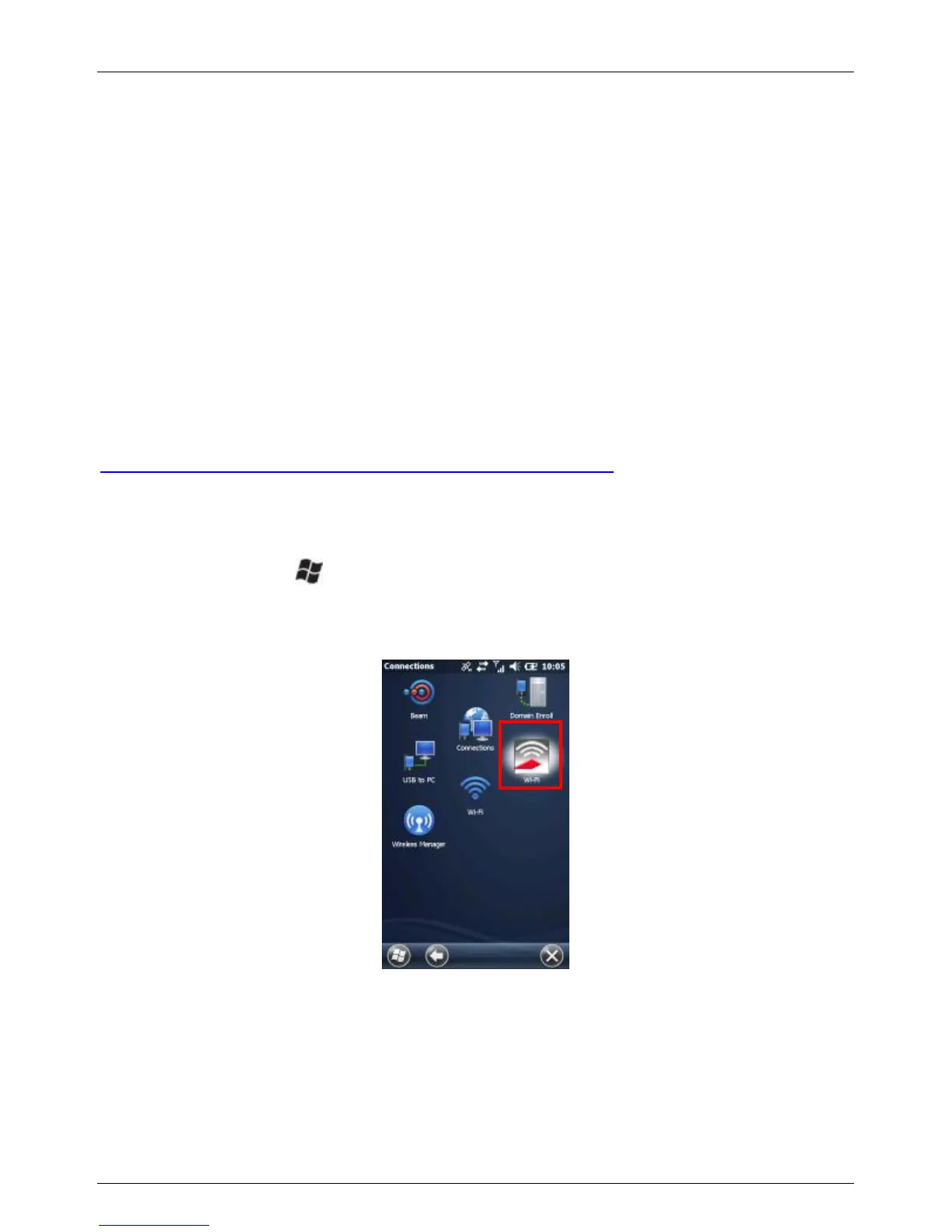
To access SCU, tap > Settings > Connections > Wi-Fi. The Summit
Client Utility window appears.
NOTE: There are two icons labeled Wi-Fi.
SCU has five tabs which may be accessed from the top of the screen:
Main
Profile
Status



 To Next Page