Juno T41
User Manual
52
Diags (for troubleshooting)
Global
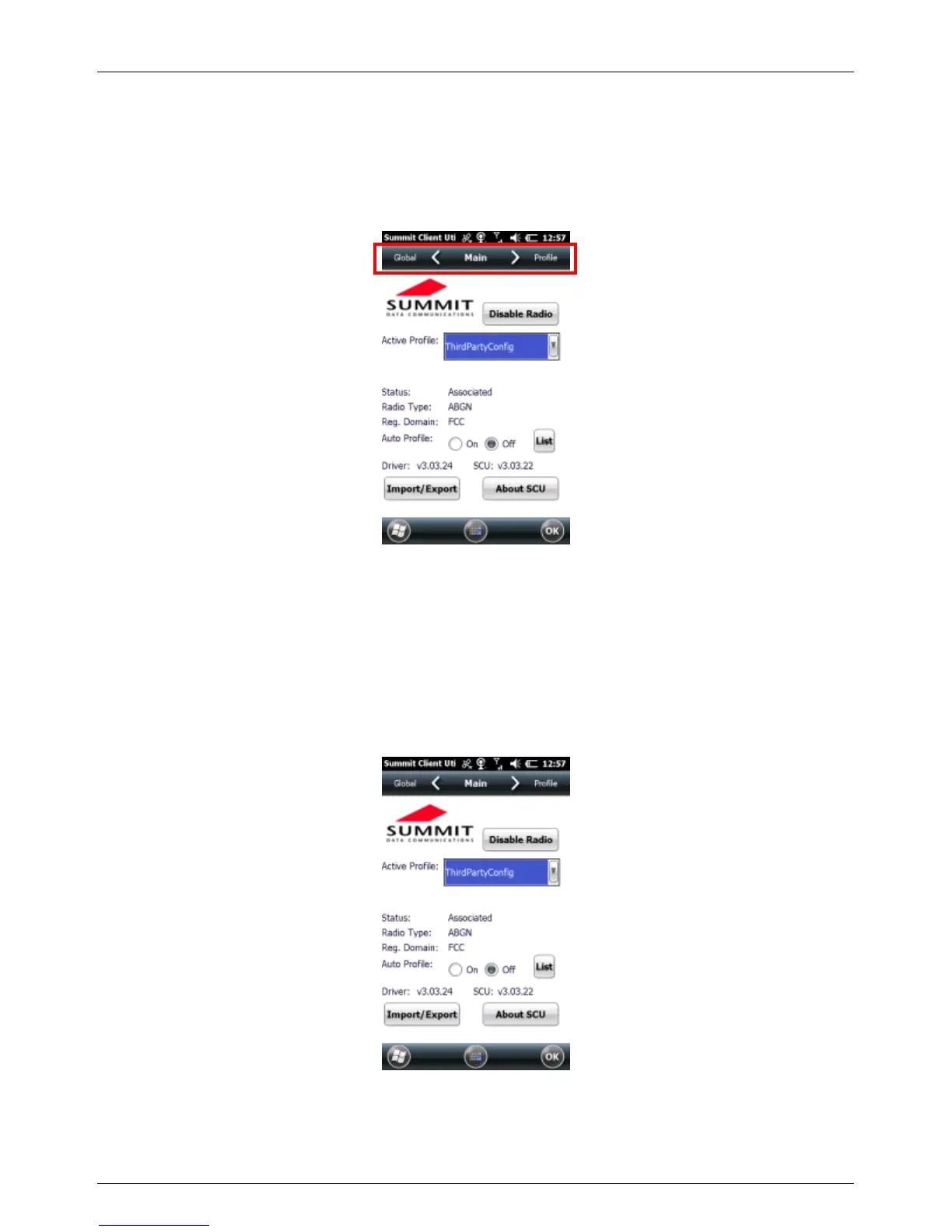
To view a tab, tap the tab bar at the top of the screen, or slide your finger
left or right to view the next tab.
Main Window
The Main window provides an overview of the current wireless network
connection configuration (Active Profile), a snapshot of connection
information, and additional information regarding SCU (About SCU). You
can also import and export settings configurations, which is useful if you
have multiple devices to configure to access your local networks.



 To Next Page