Juno T41
User Manual
53
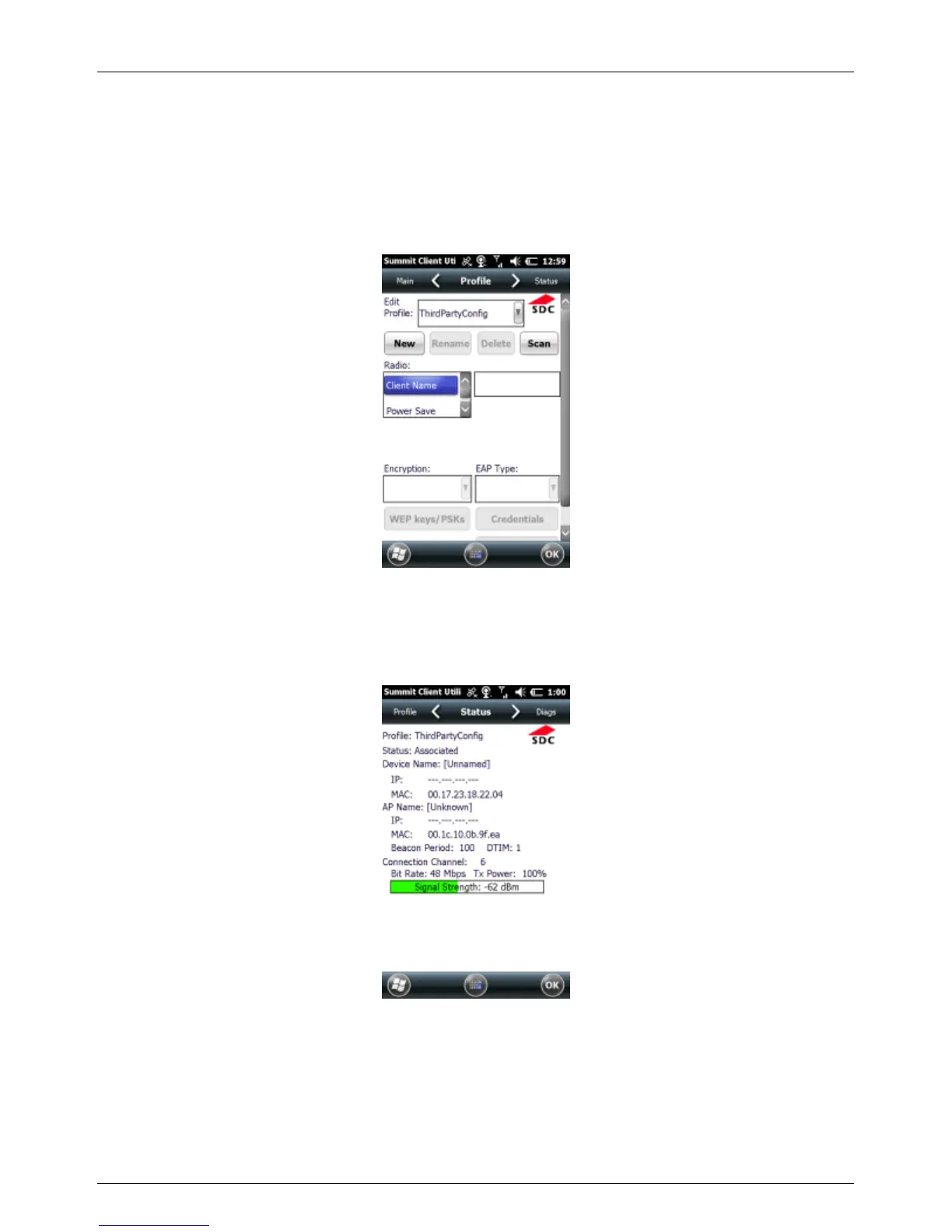
Profile Window
Profile settings are radio and security settings that are stored for each
configuration profile. Tap New to create a new Profile and enter in the
necessary connection settings for a Wi-Fi network access point. Scroll
down to find the Commit button to save changes to the Profile.
Status Window
The Status window provides status information on the radio connection
between the client device and the associated access point.
Diags Window
The Diags window enables you to troubleshoot connection issues with
SCU.



 To Next Page