Juno T41
User Manual
54
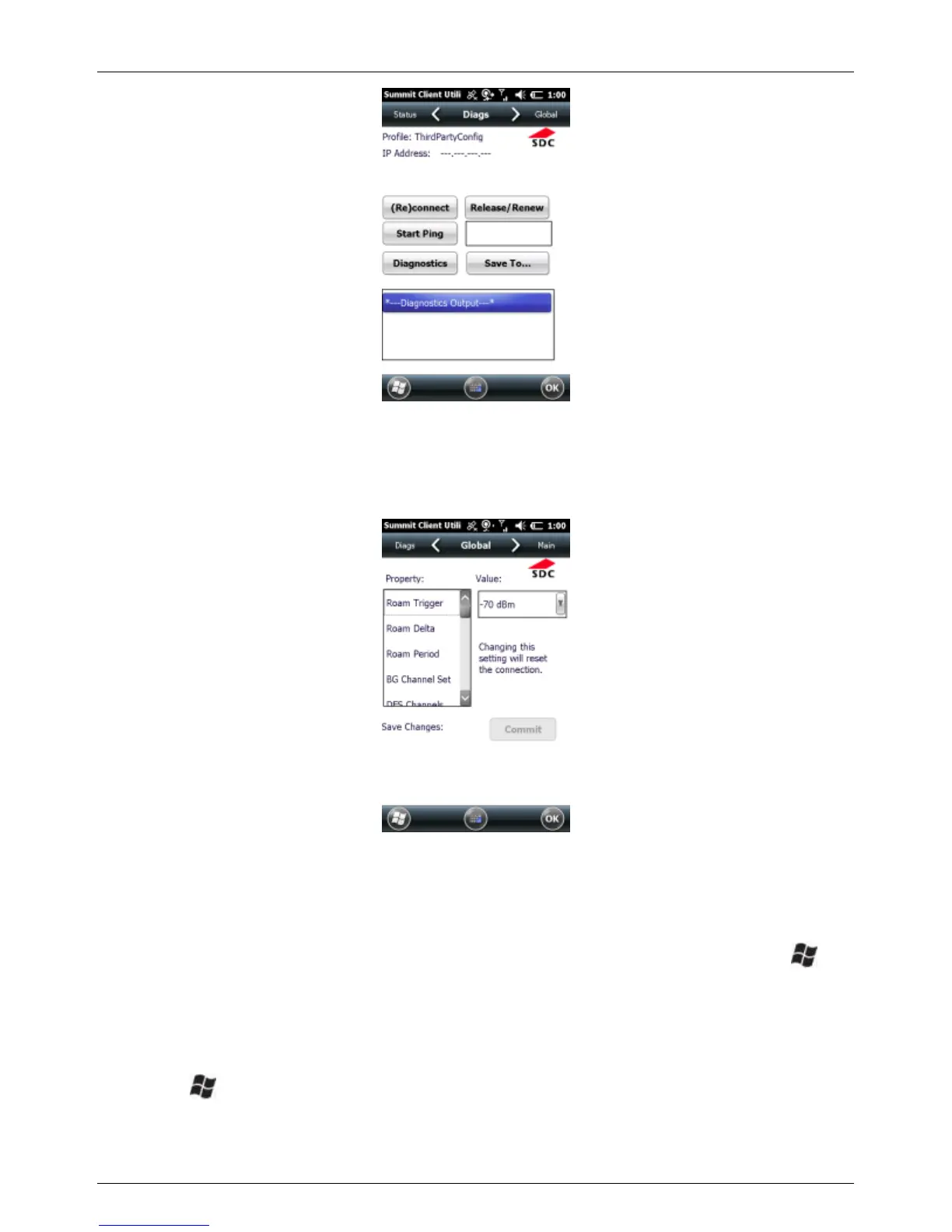
Global Window
Global settings include radio and security settings that apply to all profiles
and settings managed by SCU.
6.6 Working with the Camera
If your device comes with the built-in camera, you can capture photos and
videos. To find out if you have a camera installed in your device, tap >
Pictures & Videos. If you see the Camera icon, your device has the camera
feature.
To capture pictures and videos, open the camera application:
1. Tap > Pictures & Videos.
2. Tap the Camera icon or the Camera tile, or press the LEFT
button to activate the Camera tile.



 To Next Page