9 Data Transfer
110 Trimble M3 Total Station User Guide
To transfer data from the Trimble M3 total station to your office computer, use a cable
connection between the RS232 ports on the Trimble M3 total station and your office
computer.
9.4 Hardware interface
C
CAUTION – Make sure that the power supplied is within the rated input range (7.2 V to
11 V, 1 A maximum). Power supplied outside this range will damage the instrument.
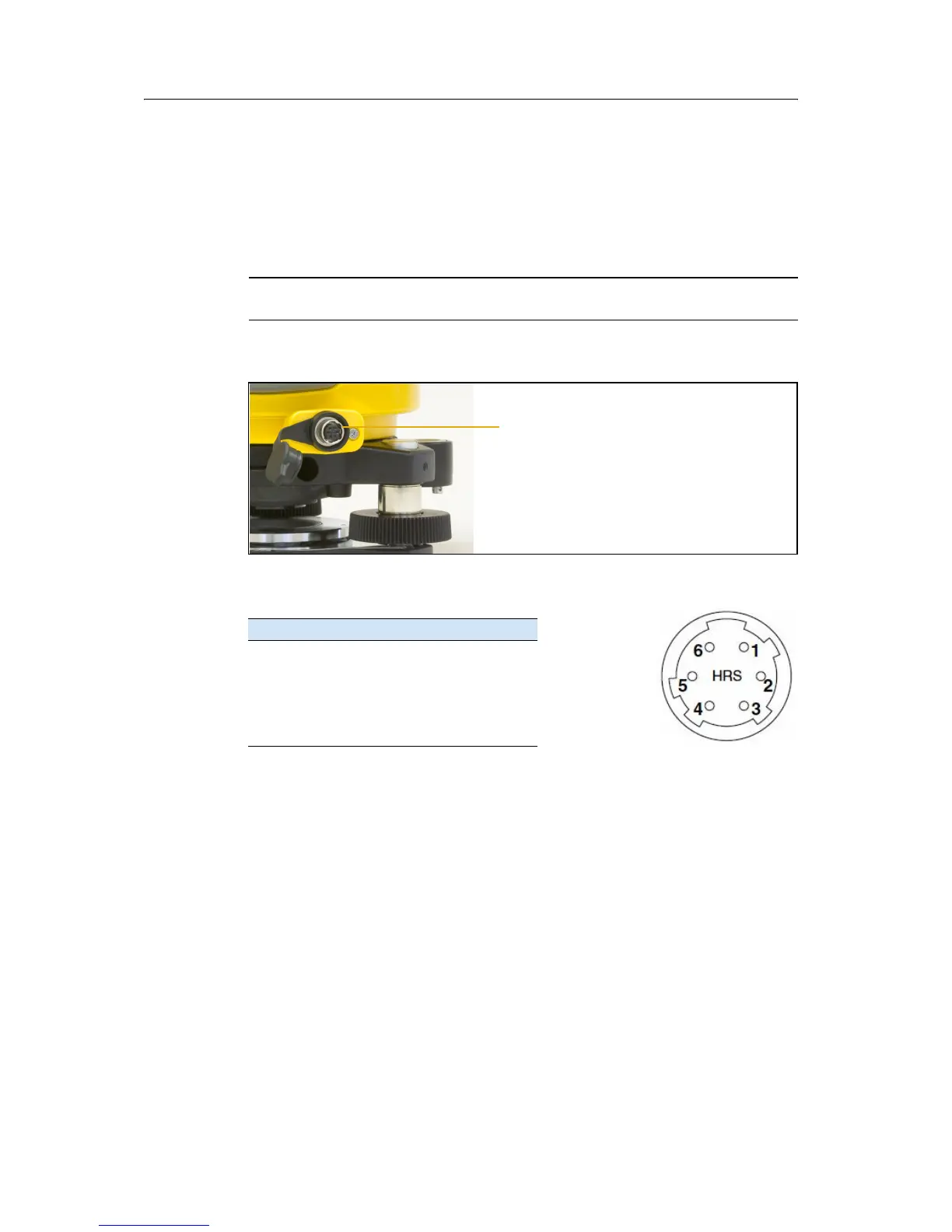
The external device connector is a Hirose HR 10A-7R-6S female connector.
The pinouts for connecting it to an external device connector
are as follows:
To communicate with an external device, connect the RS-232C signal from the
external device to Pin 1 (input terminal) and to Pin 2 (output terminal) on the
instrument.
To connect to an external power source, supply power to Pin 3 (power terminal) and
Pin 5 (ground terminal) on the instrument. The instrument will use the external power
source even if the carrying handle battery BC-65 is attached.
Note – Cap the data output/external power input connector securely while not in use. The
instrument is not watertight if the cap is not attached or not attached securely, and when
the data output/external power input connector is in use.
Note – The instrument can be damaged by static electricity from the human body
discharged through the data output/external power input connector. Before handling the
instrument, touch any other conductive material once to remove static electricity.
Pin Signal Description
1 RxD Receive data (input)
2 TxD Send data (output)
3+ Power
4 - Ground
5, 6 No connection
Hirose connector


 To Next Page
 Loading...