3 Before Going to the Field
30 Trimble M3 Total Station User Guide
Note – You can use a battery charger with part number Q-70U/E or Q-70C to partially
charge a battery pack with part number BC-65. However, these chargers cannot fully
charge the BC-65 battery pack.
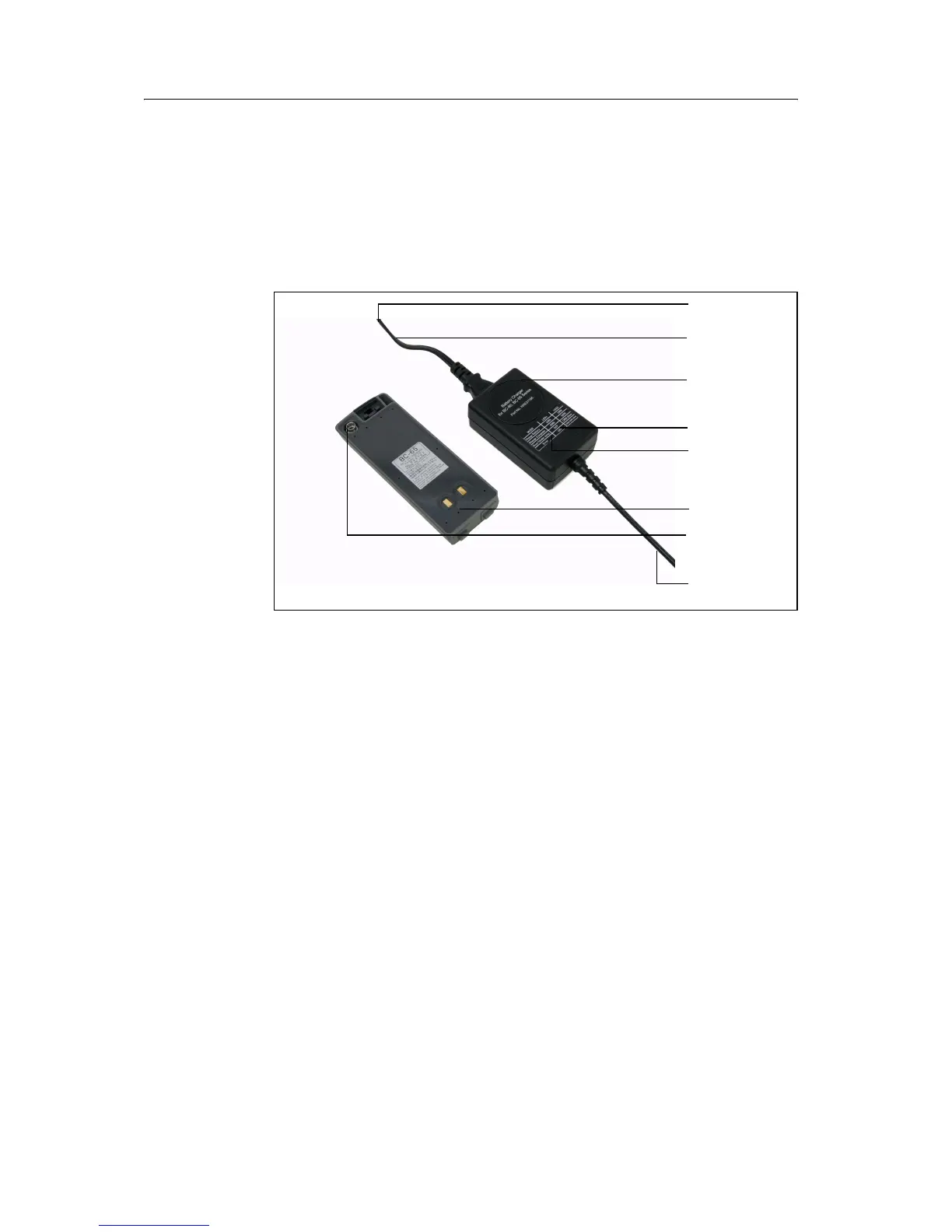
31.2 Charging the battery pack
1. Connect the power plug on the charger to an AC power outlet.
2. Connect the charging plug on the charger cable to the charging connector on
the battery pack.
Both indicators on the charger (LED1 and LED2) turn on to orange, and
charging starts automatically.
When the battery pack is fully charged, the LED2 indicator turns to green.
To AC outlet
Charger for
Air holes
Power cord and
LED2
LED1
adapters
BC-80/65
Connector to
the charger
To BC-65 battery
pack connector



 To Next Page