Trimble M3 Total Station User Guide 41
Before Going to the Field 3
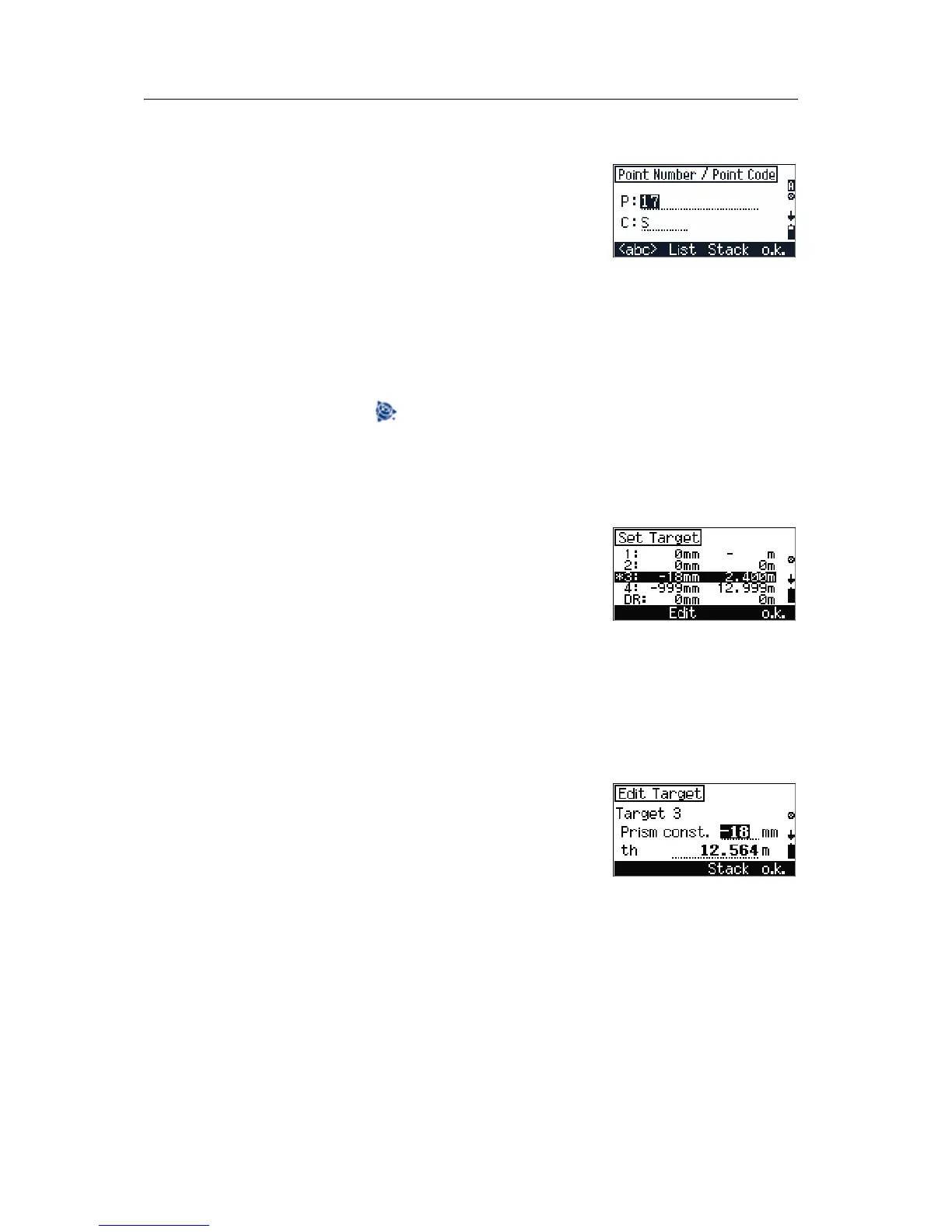
Selecting a point name and point code
1. Press
[5] in the HOT MENU screen to open the
Point Number/Point Code screen.
2. Do one of the following:
– To change the input mode, press
[F1] <ABC>.
– To select the input from the list, press
[F2] List.
– To select the input from a previously used
point name or code, press
[F3] Stack.
3. Then do one of the following:
– To return to the screen in which you
pressed , press
[F4].
– To return to the
HOT MENU screen, press
[ESC].
Selecting a target configuration
1. Press
[6] in the HOT MENU screen to open the
Set Target screen.
2. Do one of the following:
– To move the cursor in the target list, press
[^]
or [v] or [1] – [5] and then press [MEAS/ENT] to
select the highlighted item.
–Press
[F2] Edit to edit the target settings,
see Editing target settings, page 41.
3. To select the highlighted target, press
[F4] o.k..
Editing target settings
1. Press [F2] Edit in the Set Target screen. The
Edit Target screen appears.
2. Do one of the following:
– Use the keypad to enter a new value.
– To use values from the stack, press
[F3] Stack.
– To return to the previous screen, press
[ESC].
3. To finish the edit, press
[F4] o.k..
Note – Input the value that is shown on the prism into the
Prism const. field.


 To Next Page
 Loading...