2-34
Operating Your Tablet Computer
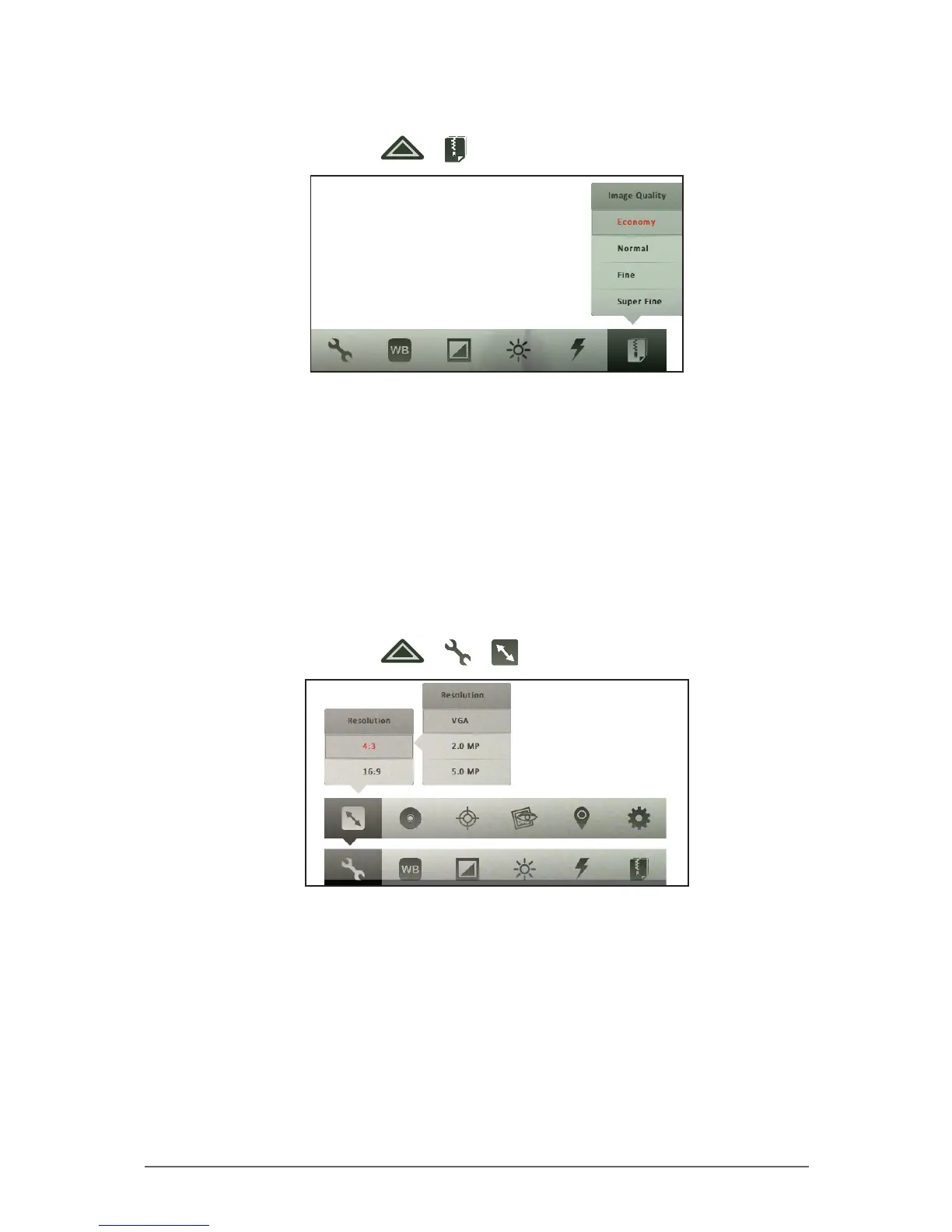
To set the image quality
1. In Photo mode, tap > .
2. Tap one of the following options:
• Economy: Select this option to capture small-sized photos to
conveniently attach in emails or messages.
• Normal: Select this option for normal image quality.
• Fine: Select this option for better image quality.
• Super Fine: Select this option for the best image quality. The le size is
bigger than lower quality images.
To set the aspect ratio and resolution
1. In Photo mode, tap > > .
2. Tap an aspect ratio option:
• 4:3: Select this option for a 4:3 ratio photo.
• 16:9: Select this option for a 16:9 ratio photo.
3. Tap a resolution. The available options depend on the selected aspect
ratio.
• For 4:3 aspect ratio, the following options are available:
• VGA: Select this option for a 640 x 480 resolution.



 To Next Page