2-36
Operating Your Tablet Computer
To add date and time on photos
Perform the following to add the date and time on photos.
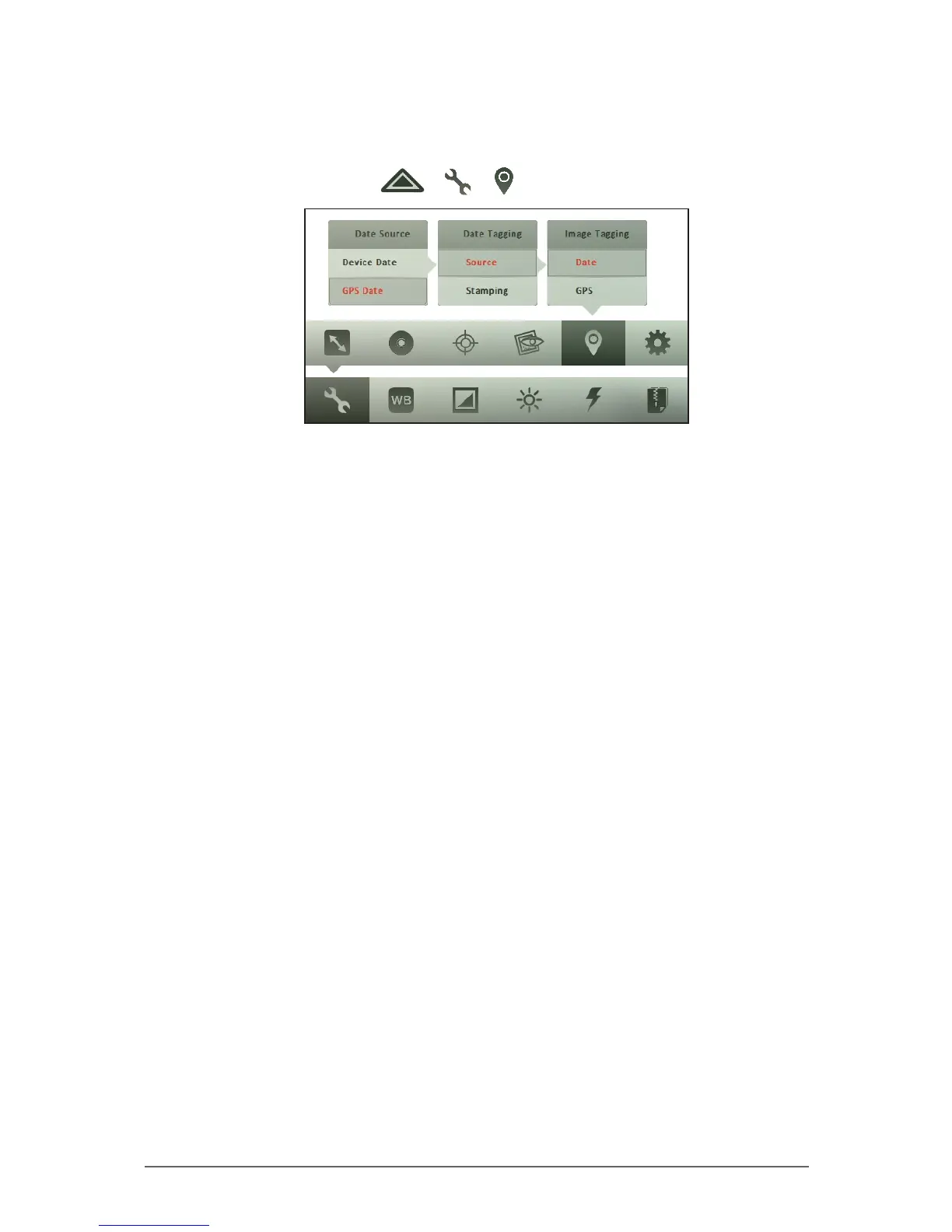
1. In Photo mode, tap > > .
2. Tap Date.
3. Tap Source, and then tap one of the following options:
• Device Date: Select this option to use the date and time of your Tablet
Computer.
• GPS Date: Select this option to use the date and time of the GPS
navigation system.
4. Tap Stamping, and then tap one of the following options:
• Image Stamp: Select this option to add the date and time on captured
photos.
• Exif: Select this option to save the date and time to the exif data of the
captured photo. The date and time is not shown on the screen nor on
printed photos.
• Both: Select this option to add the date and time on captured photos
and save it on the exif data.
• Off: Select this option to hide the date and time.



 To Next Page