Getting Started 1-5
Turning the Tablet Computer On and Off
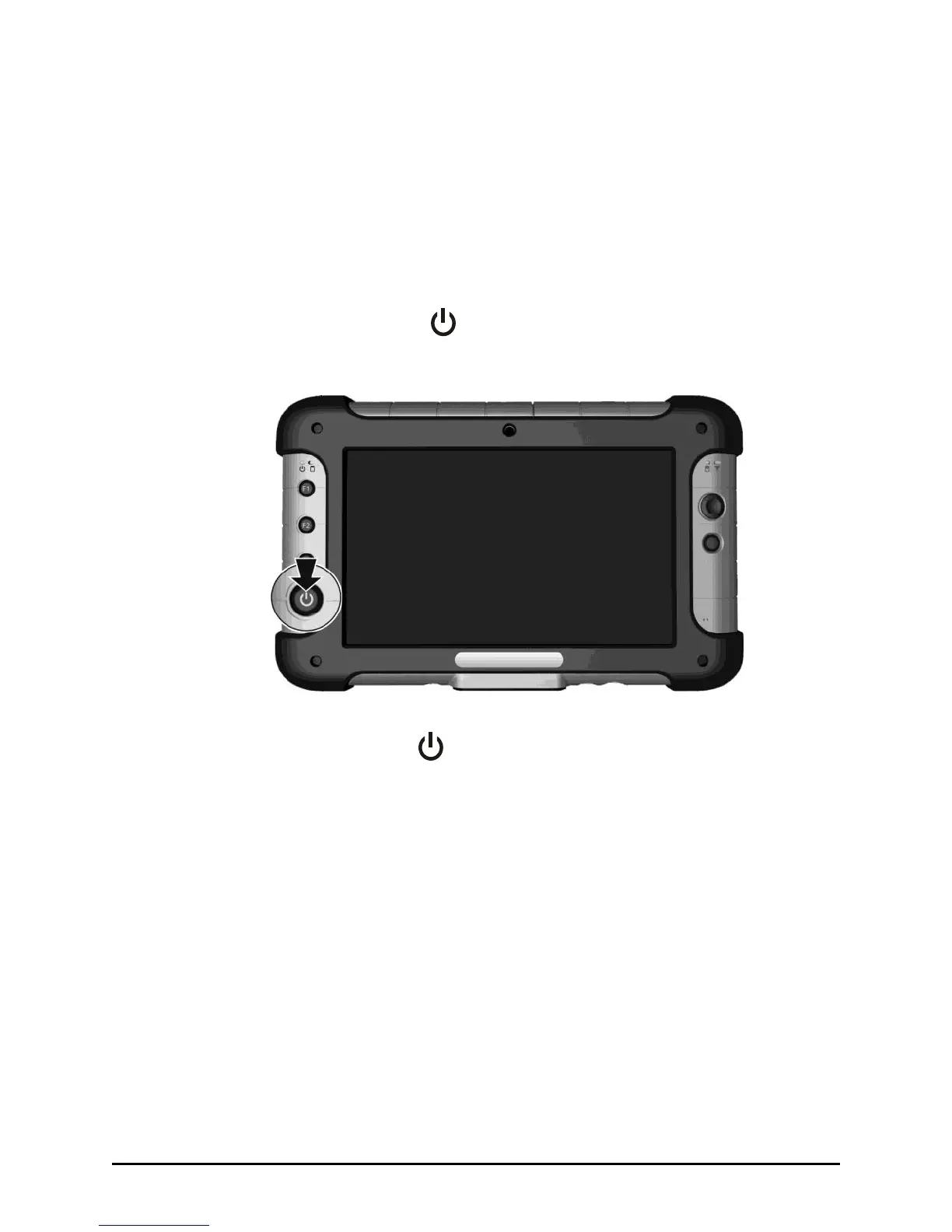
Turning On
1. Make sure that the tablet computer is either connected to AC power
or the battery is charged.
2. Press the power button ( ). Notice the screen appears blank for 8-10
seconds but the power LED lights up.
The power indicator ( ) shows 2 different states:
Solid green: tablet computer is turned on.
Blinking green: tablet computer is in sleep mode.



 To Next Page