Operating Your Tablet Computer 2-19
Tap Default to cancel the current settings and restore the default settings.
Tap Apply to complete the changes.
Tap Sync. to synchronize current settings and update the status of the GPS
settings.
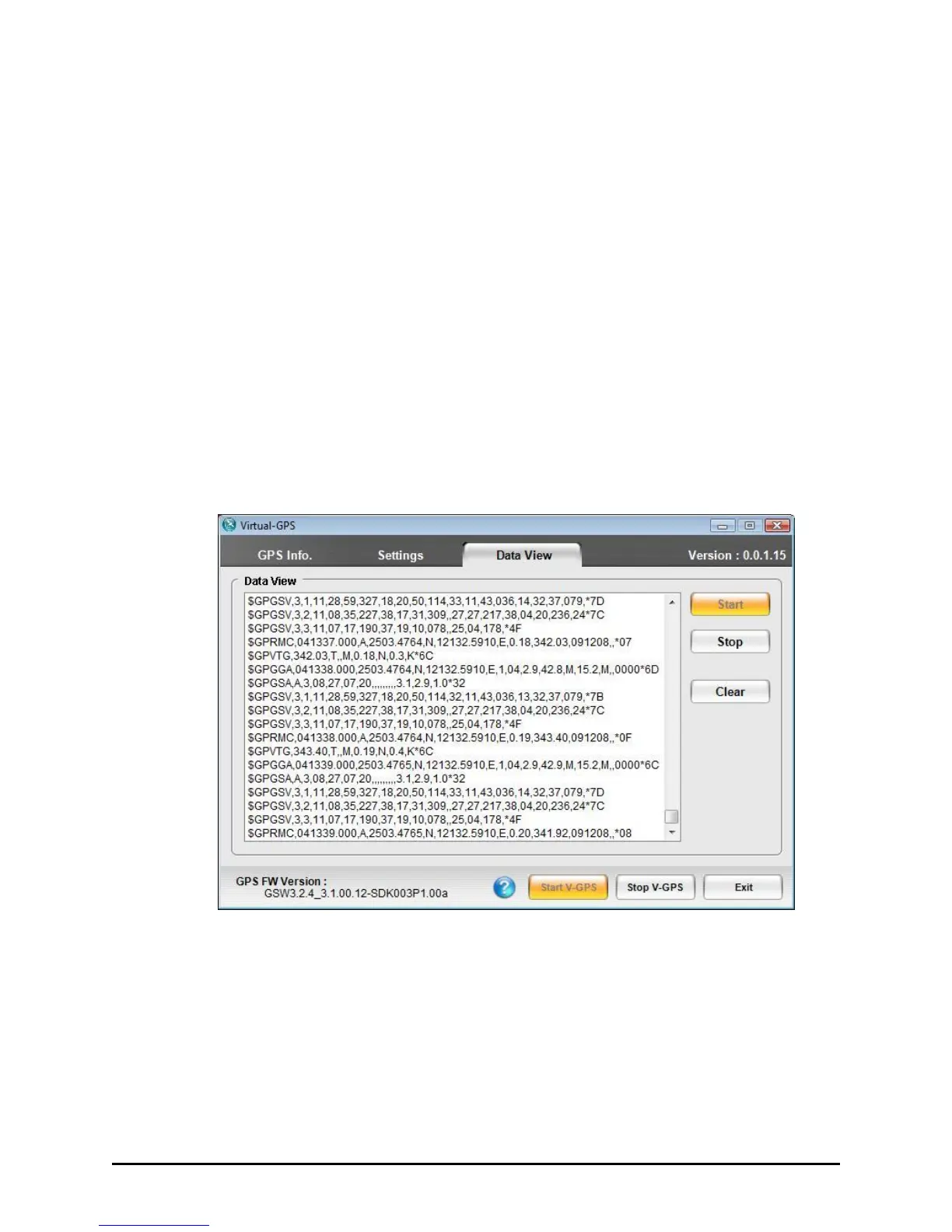
Data View
The Data View tab shows a summary of raw data string received from
satellites which is viewable but not editable. The Data View window is
auto-scrollable and will be cleared as soon as GPS signal is disconnected.
You can start or stop as well as clear the message log.
Data will be returned in either NMEA or SiRF Binary format depending
on the selection chosen on the Settings page.



 To Next Page