2-20 Operating Your Tablet Computer
Using the Camera
A camera located on the front and rear side of your tablet computer
allows you to take pictures. The G-Camera software has been installed or
you can install another third-party application to use the camera feature.
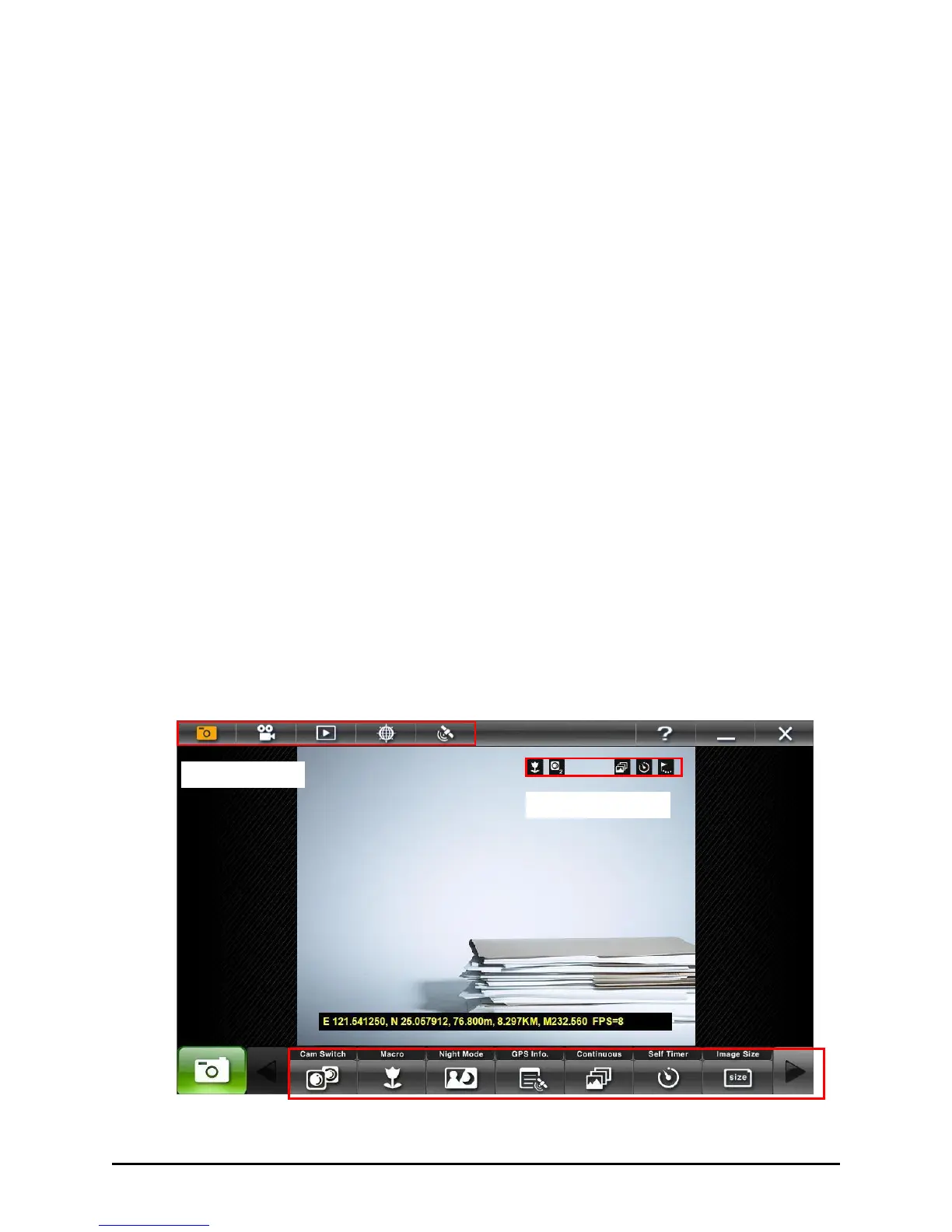
Using the G-Camera Application
G-Camera is a unified user interface utility that allows you to perform the
following:
Take pictures
Record video
Path tracking and capture
GPS configuration
To open the G-camera application, tap on Start All Programs
G-Camera G-Camera. Once G-Camera is launched it automatically scans
for the camera. If the camera device is not found, G-Camera will appear
on screen without an image.



 To Next Page