Operating Your Tablet Computer 2-21
Camera Mode
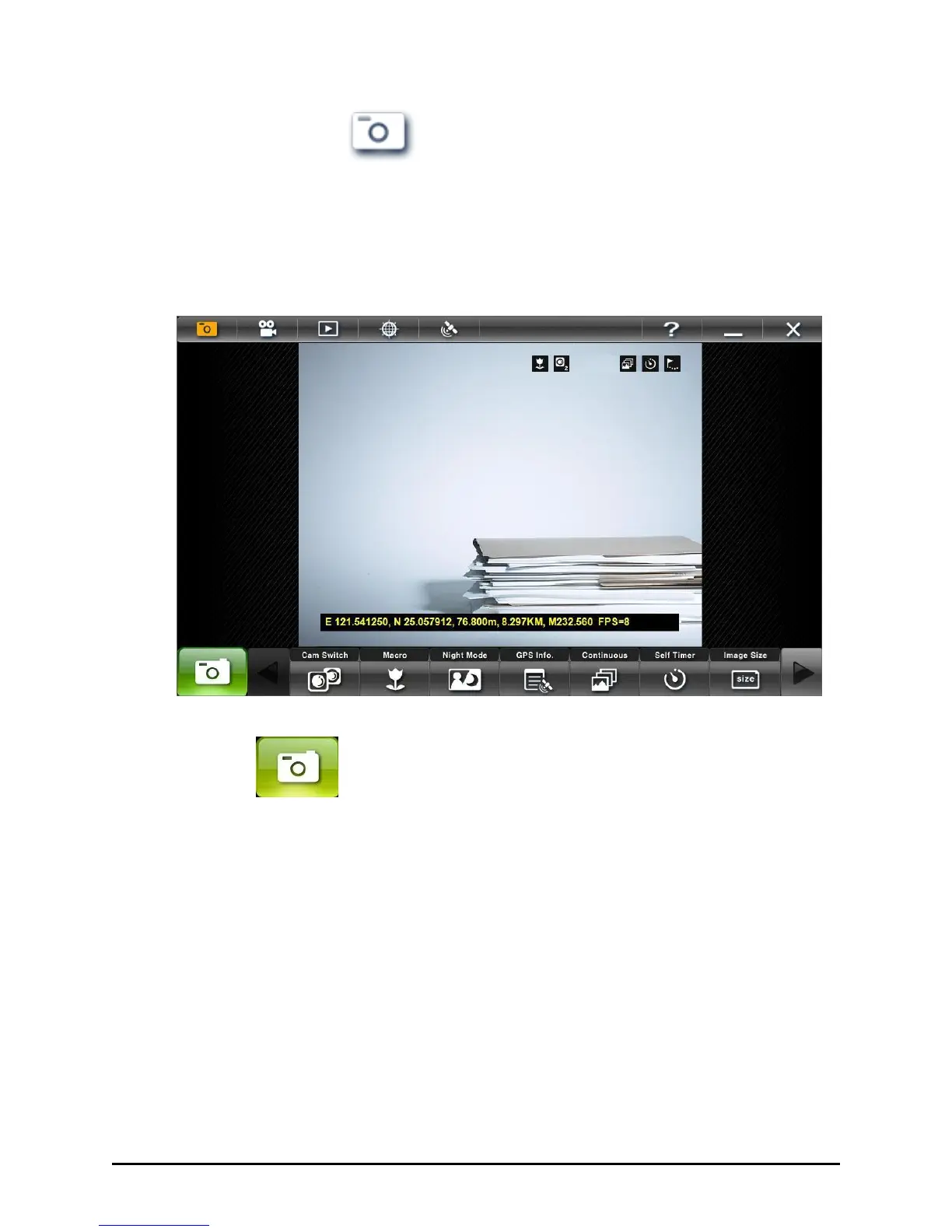
The Camera Mode icon is amber when selected and is selected by default.
When opening G-camera, Camera mode allows you to configure the
camera settings and take photos. The live image always appears in
640×480 resolution.
Shutter
Tap this button or press Enter to take photos. When the photo is being
taken the button will light amber and the live image will be frozen until
the image capture is complete.



 To Next Page